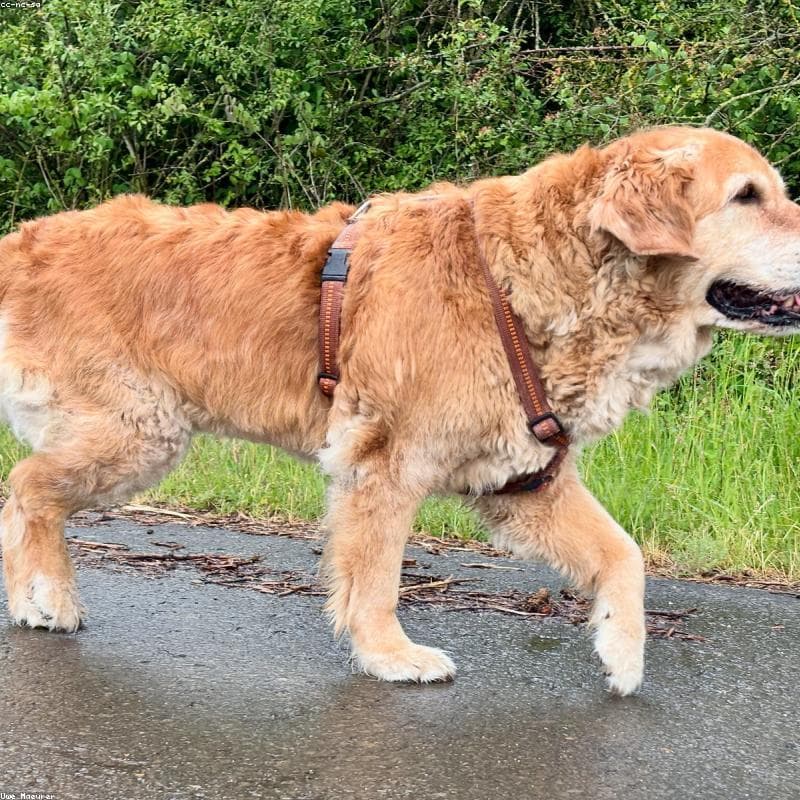
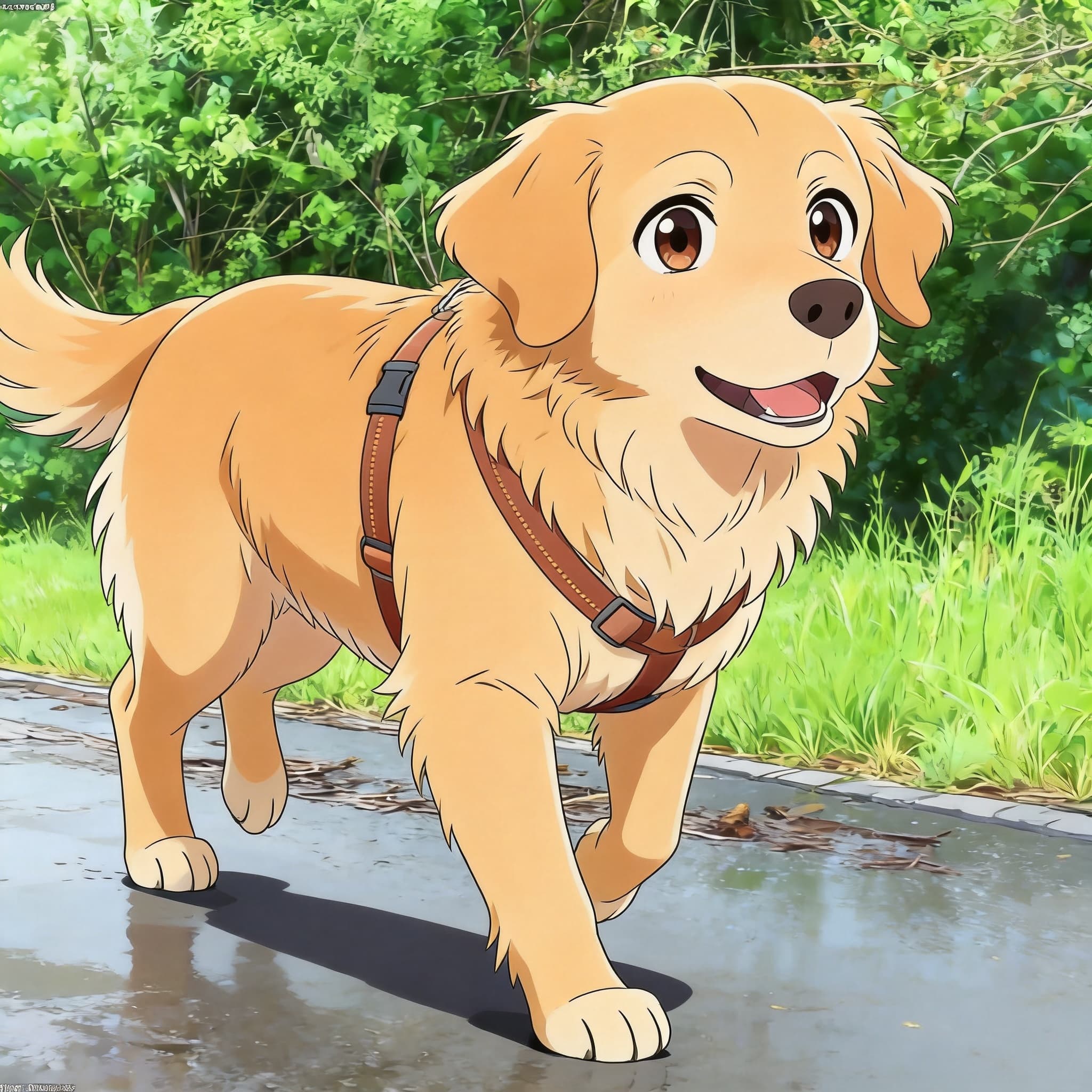
 Before
AnimeDog
Golden Retriever × Anime
A warm portrait of a Golden Retriever reimagined as a vibrant Japanese anime character with cel-shaded fur and expressive eyes.
Hover to see transformation
AI Photo to Anime Converter
Upload a photo of your dog, cat, or any pet and the AI turns it into a grid of nine anime styles in about 22 seconds. Pick the one you like, then download it in 2K.
JPG, PNG, WebP up to 4MB · 9 styles in one preview · No signup to start
Drop your pet photo here
or click to browse from your device
Supports JPG, PNG, WebP · Max 4MB · Best with clear pet face
Tip: you can also paste (⌘V / Ctrl+V) a copied image
Three steps, no design skills, no software to install.
Drag in a JPG, PNG or WebP up to 4MB. No account needed to start. A clear, well-lit shot where your pet is facing the camera gives the AI the most to work with.
About 22 seconds later you get one preview grid: the same pet drawn nine different ways, labelled A to I. You choose from what you can see instead of guessing at a style name.
Sign in to render the style you picked at full 2K resolution — another 22 seconds or so. The first high-resolution download on each account is free.
Each style reads differently. You do not have to choose upfront — every upload previews all nine, and you only render the one you want.
Modern cel shading: thick black outlines, flat saturated colour and hard-edged shadows. The most recognisably “anime” of the nine, and the safest pick for a profile picture.
A film still with your pet sitting in a green meadow. Soft gouache brushwork, no outlines, warm natural light. Forgiving with imperfect photos, and the usual choice for memorial portraits.
A 3D render with glossy fur, rounded exaggerated volumes and dramatic studio lighting. Reads as a character from an animated film rather than a drawing.
Pure black-and-white ink linework with screentone shading and speed lines. No colour at all, which makes it print beautifully and stand out in a colour feed.
Hand-drawn 1990s Disney: very thick even ink lines, flat candy colour and big exaggerated eyes. The most legible style at small sizes, so it works well for stickers and icons.
Traditional watercolour on visible cold-press paper — wet-in-wet bleeds, pale earthy tones and plenty of white space. The gentlest of the nine, and the one that looks most like a framed painting.
An 18th-century court portrait: near-black chiaroscuro background, thick glazed brushwork, a gold collar and red velvet drapery under candlelight. Funny and genuinely grand at the same time.
A Makoto Shinkai film still — your pet backlit against an extremely detailed sunset sky, with lens flare, god rays and deep blue-to-amber colour. The most cinematic option for a phone wallpaper.
1980s animation shot on film: heavy grain and dust, muted flat colour, slight chromatic fringing and wobbly hand-drawn lines. Looks like a frame pulled off an old VHS tape.
Real uploads, restyled. The preview grid covers all nine looks — here are four of them side by side.
BeforeA warm portrait of a Golden Retriever reimagined as a vibrant Japanese anime character with cel-shaded fur and expressive eyes.
Hover to see transformation
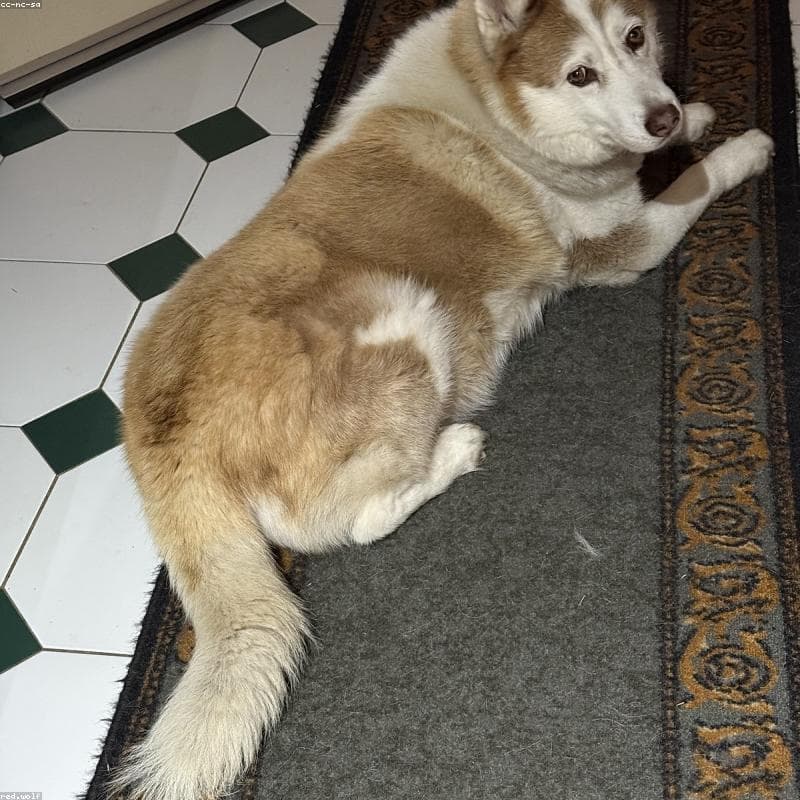
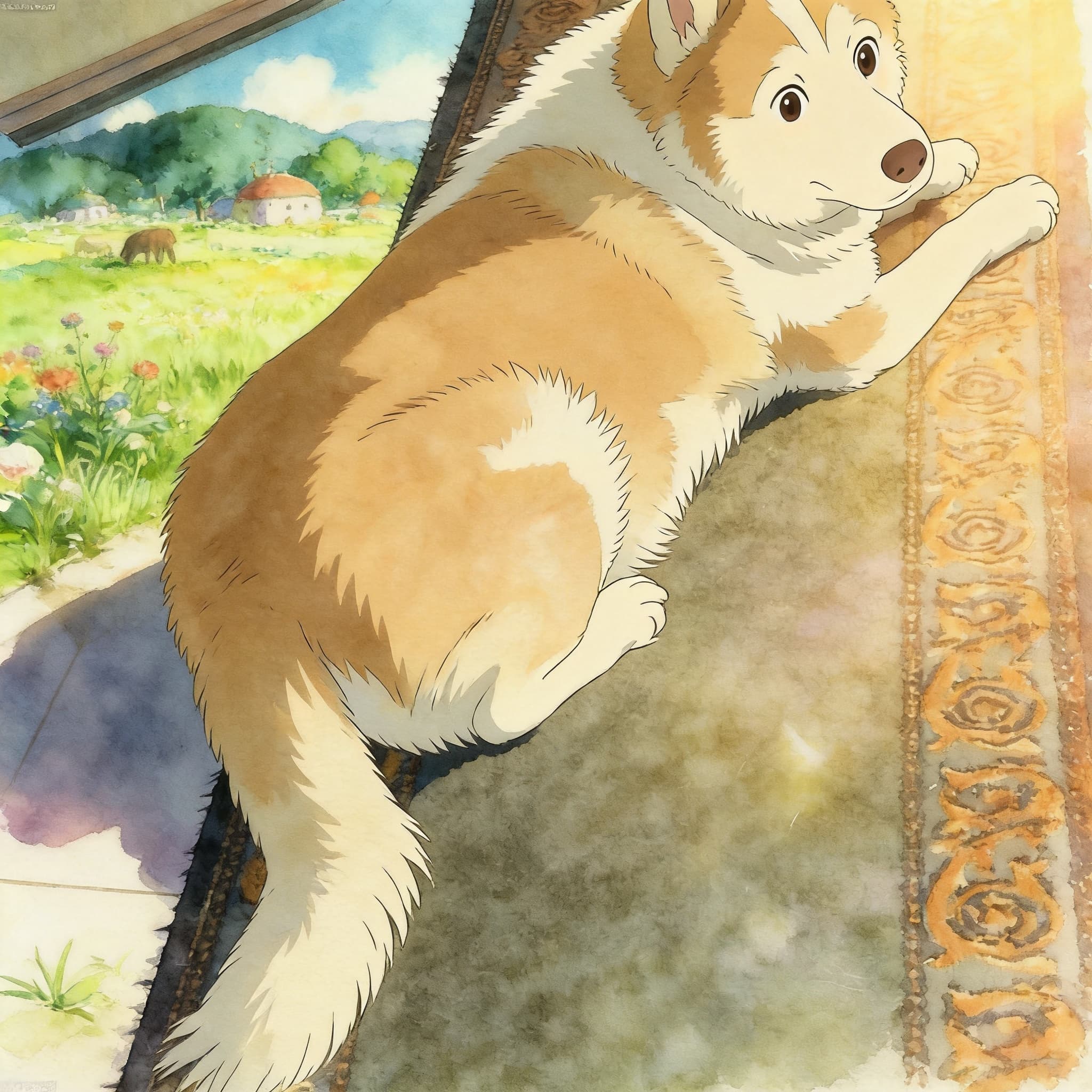 Before
A Siberian Husky transformed with soft watercolor warmth and Miyazaki-inspired lighting for a whimsical, storybook feel.
Hover to see transformation
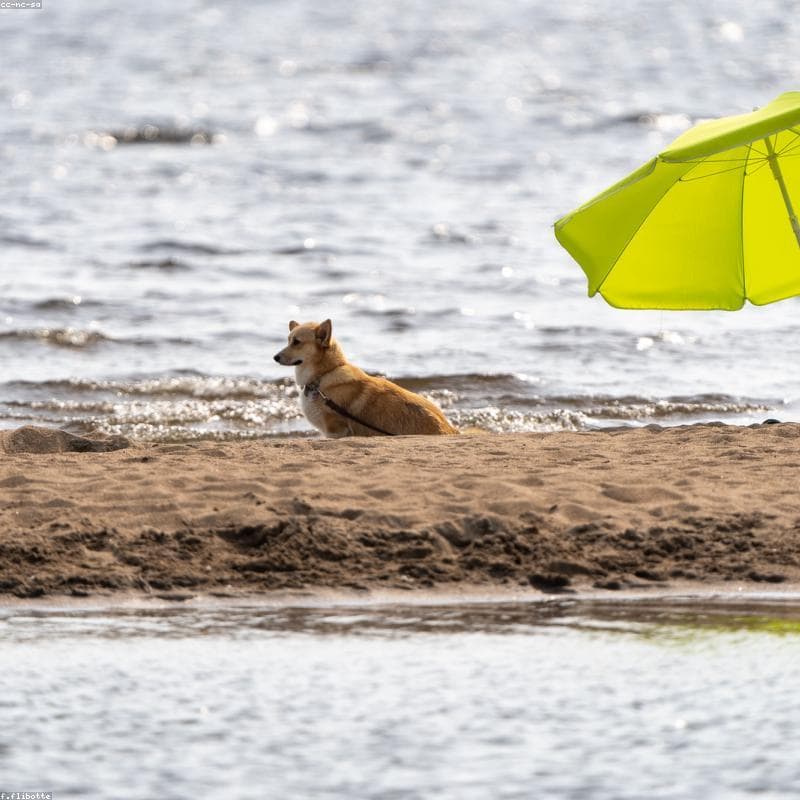
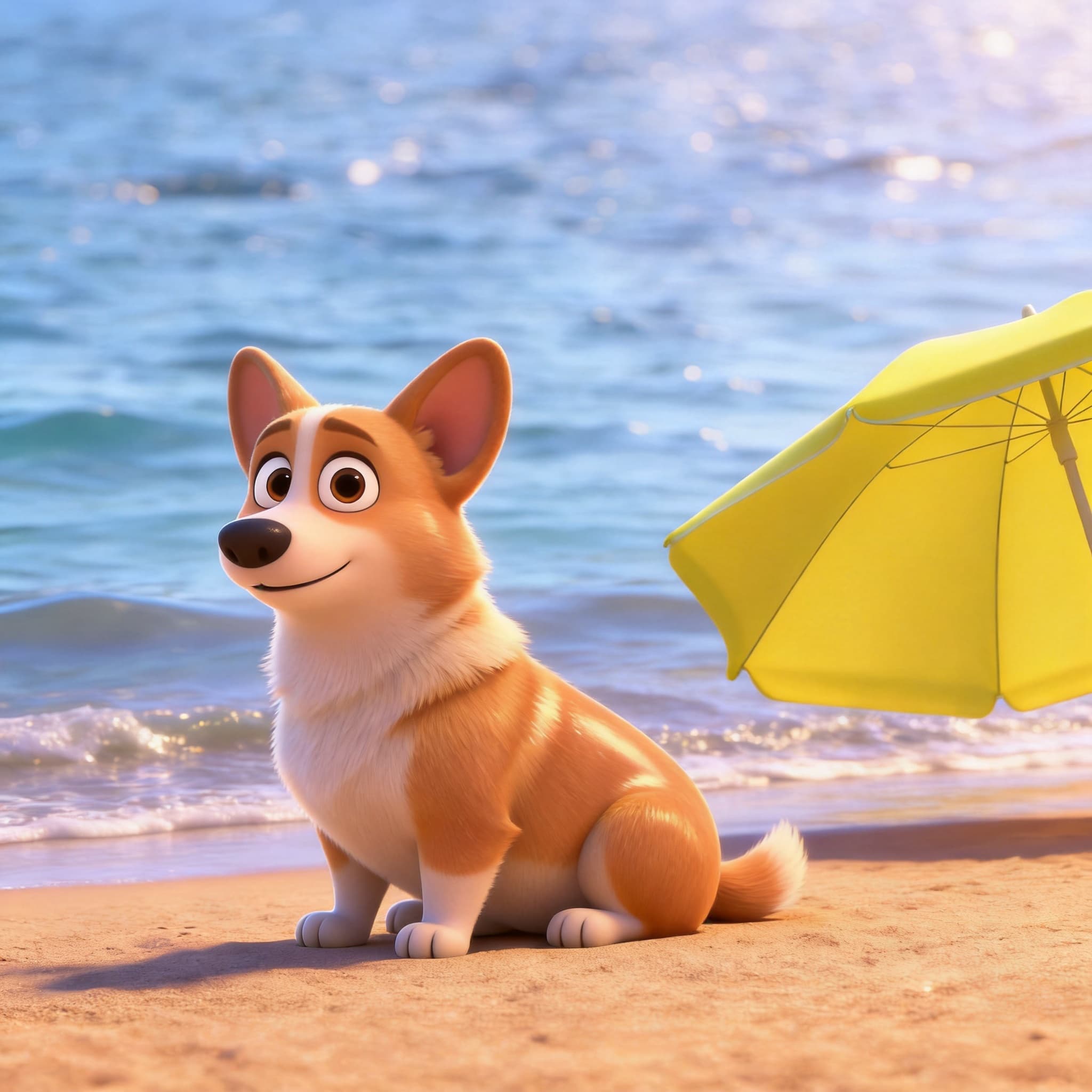 Before
A short-legged Corgi rendered as a glossy 3D character with cinematic lighting and big expressive studio-animation eyes.
Hover to see transformation
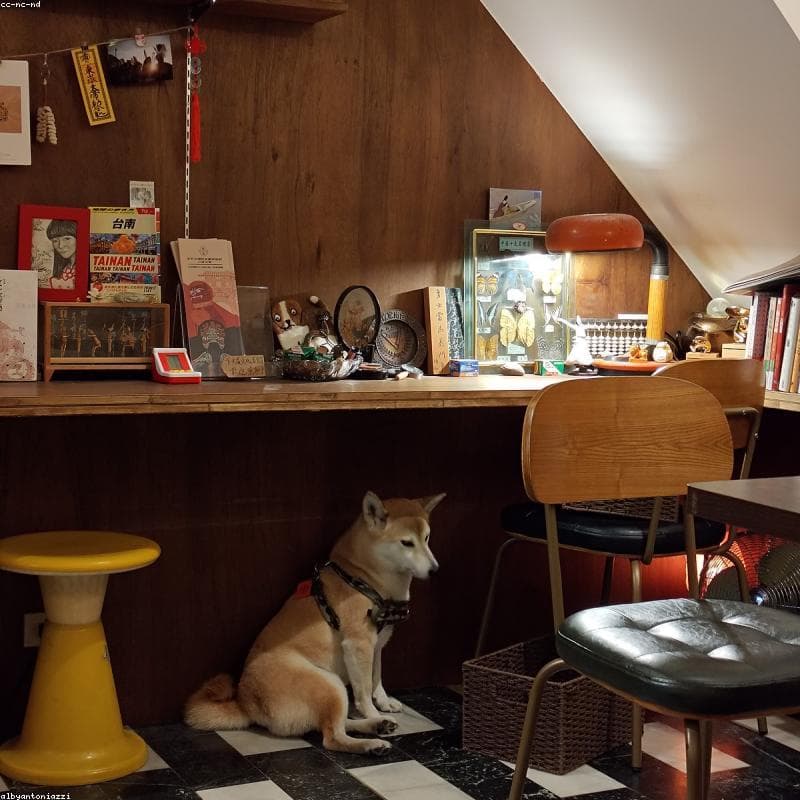
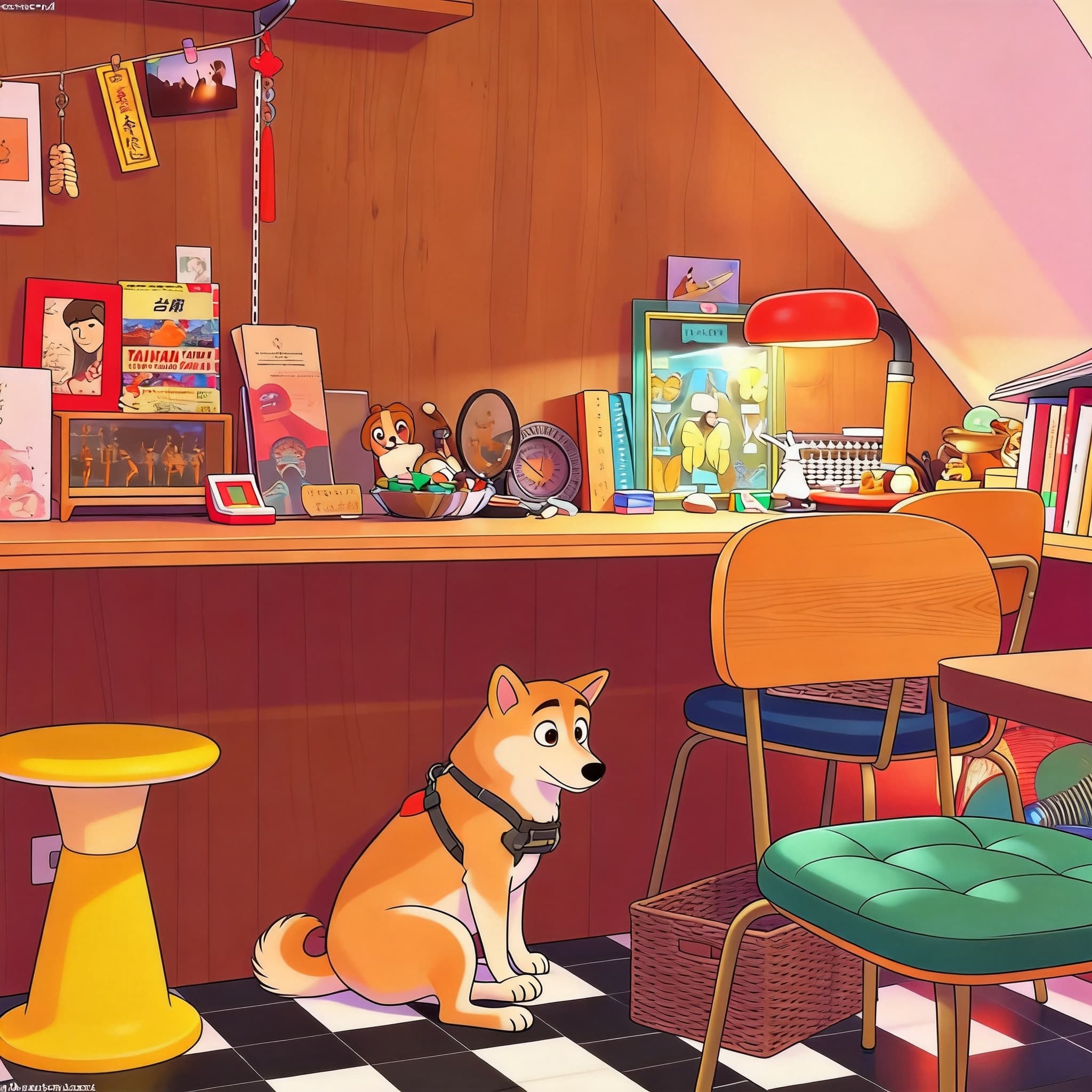 Before
A Shiba Inu reimagined in a colorful, friendly family-animation style with bright lighting and stylized fur.
Hover to see transformation
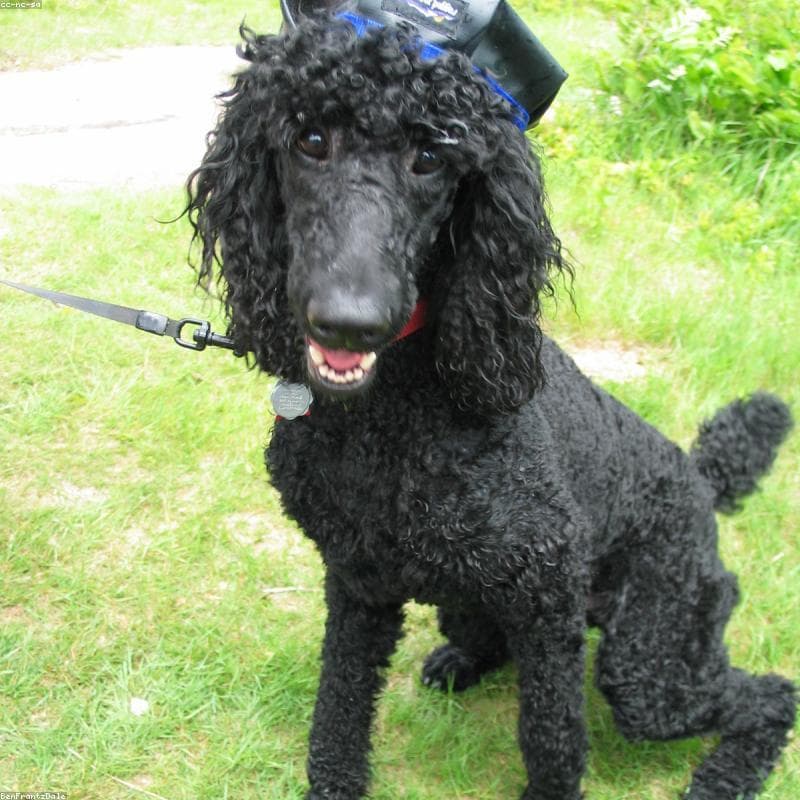
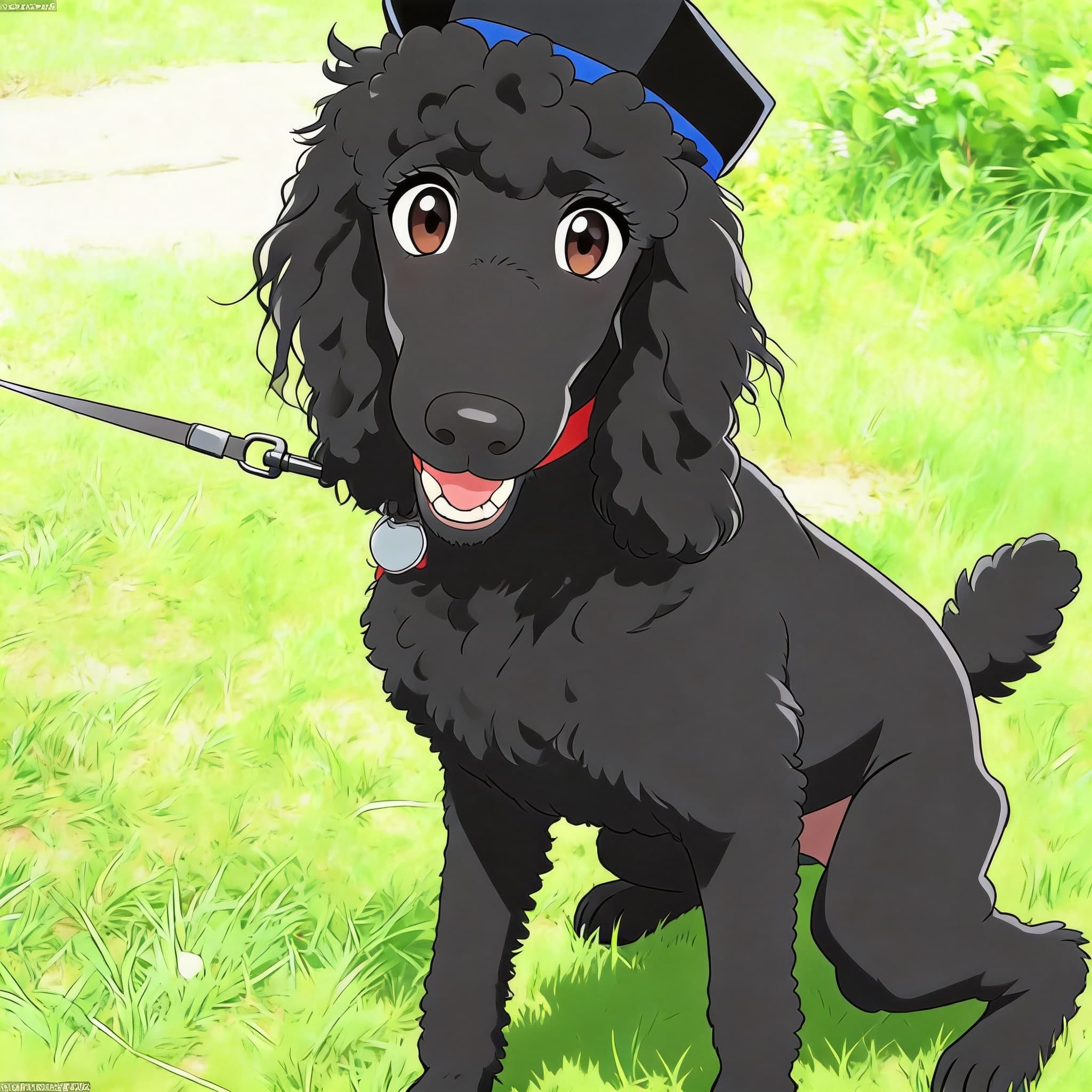 Before
A curly-coated Poodle transformed into a clean-line anime portrait with vivid colors and a soft pastel backdrop.
Hover to see transformation
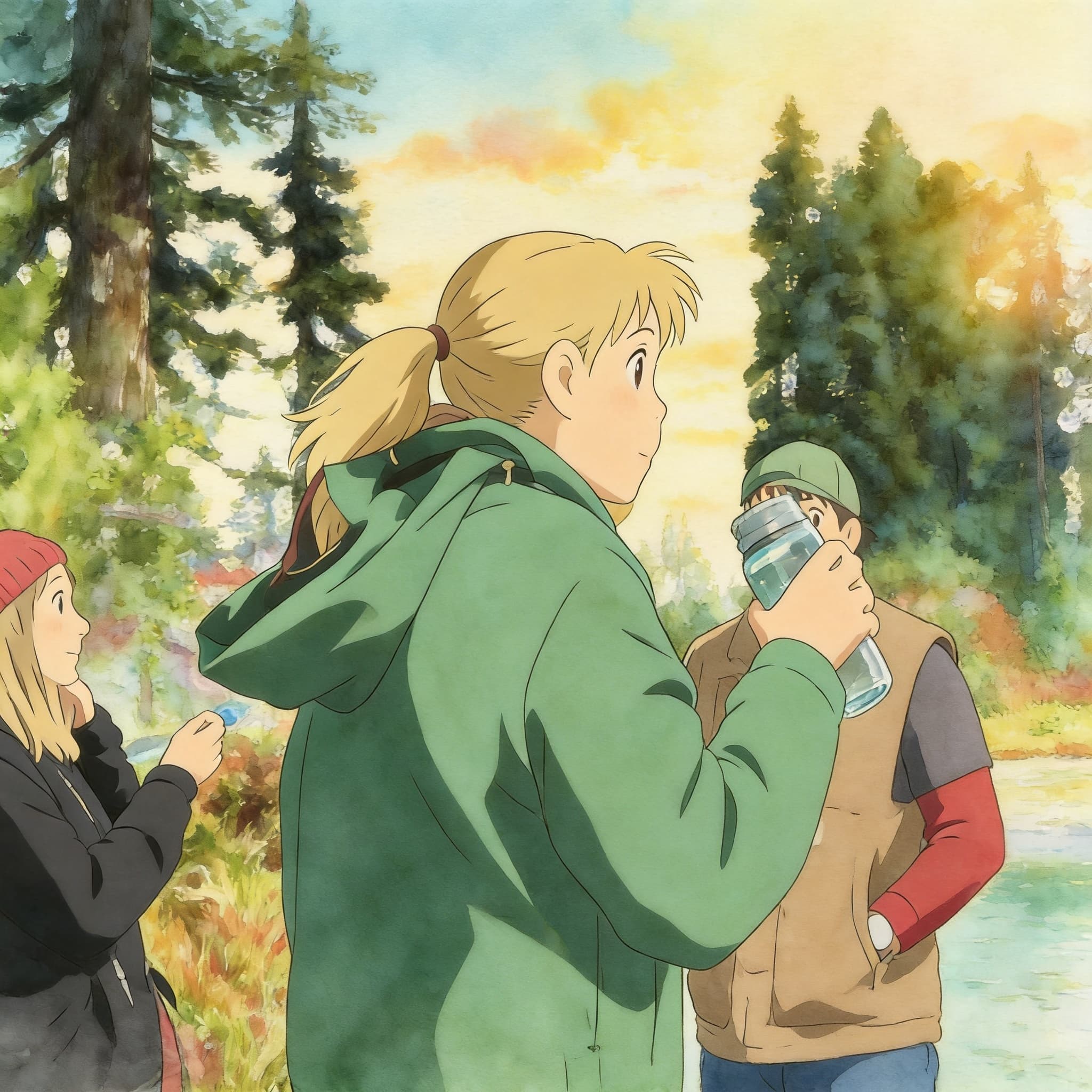 Before
A loyal German Shepherd painted with gentle watercolor tones and hand-drawn Ghibli-style atmosphere.
Hover to see transformation
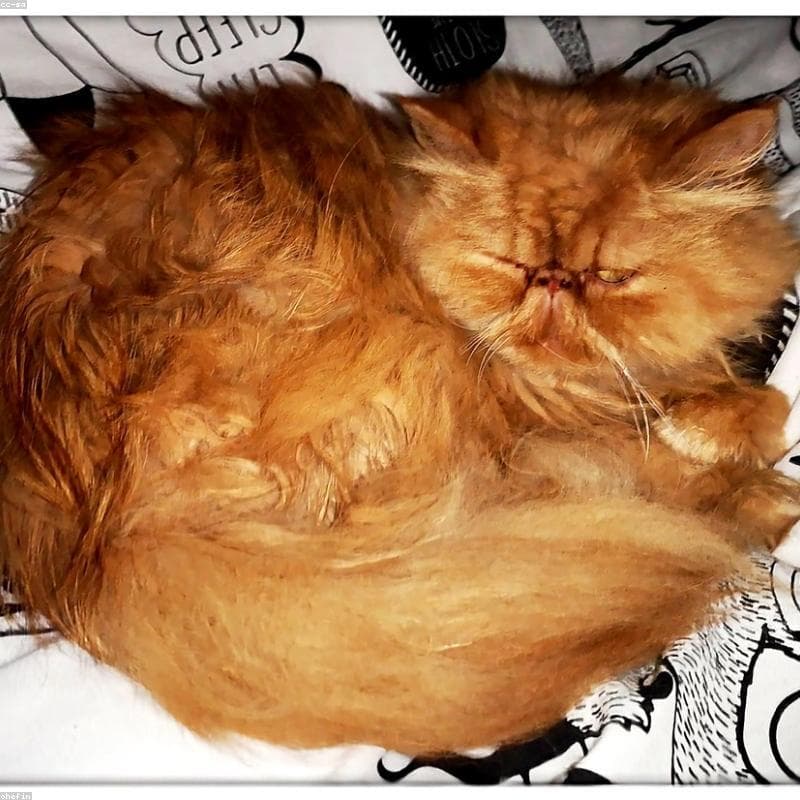
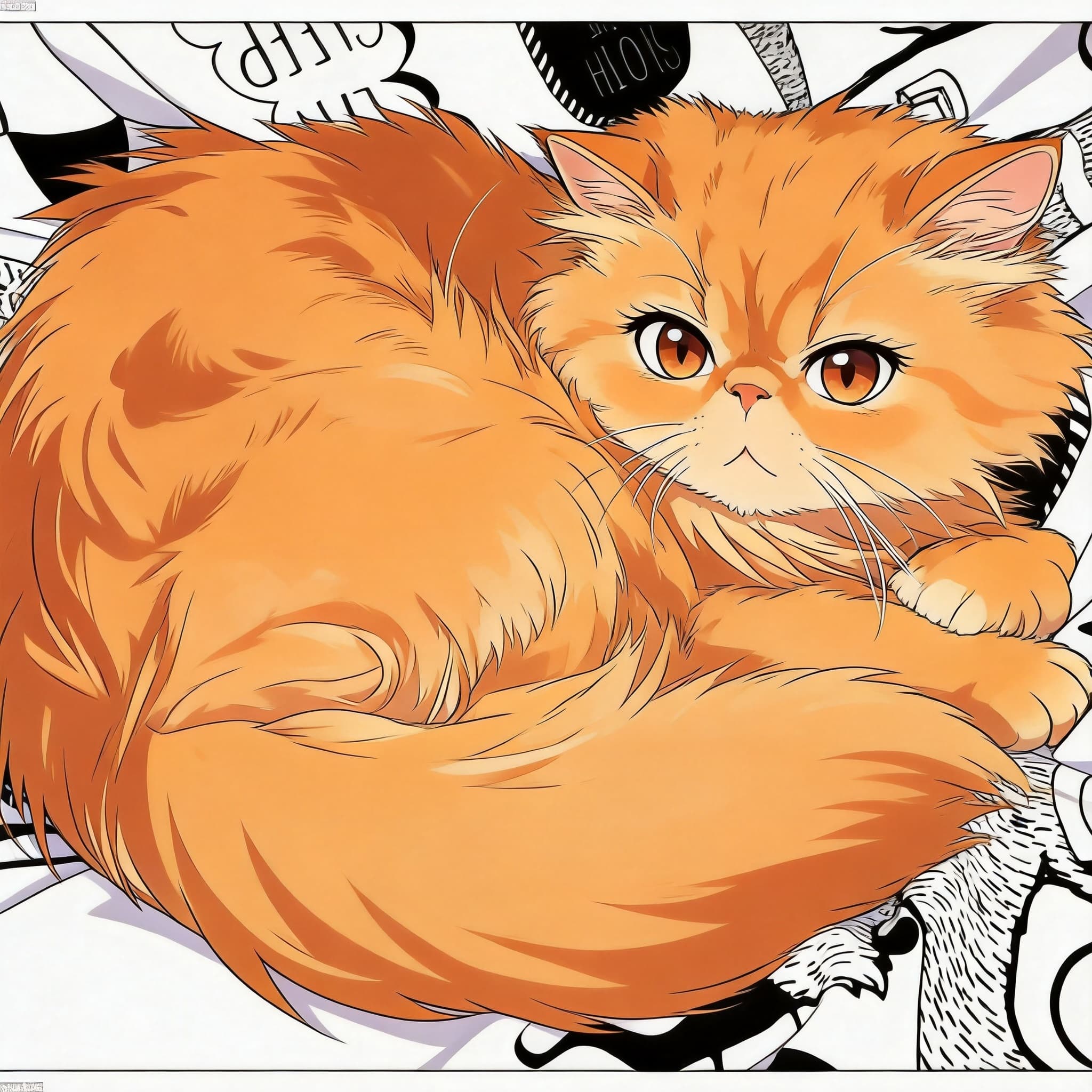 Before
A fluffy Persian cat reimagined as a sleek anime character with bold linework and luminous cel-shaded fur.
Hover to see transformation
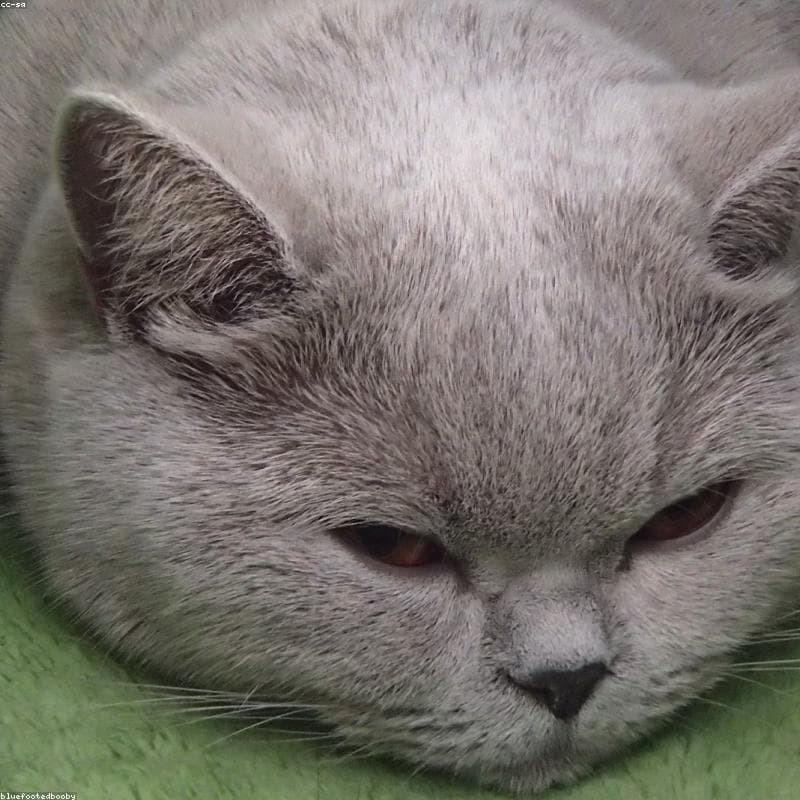
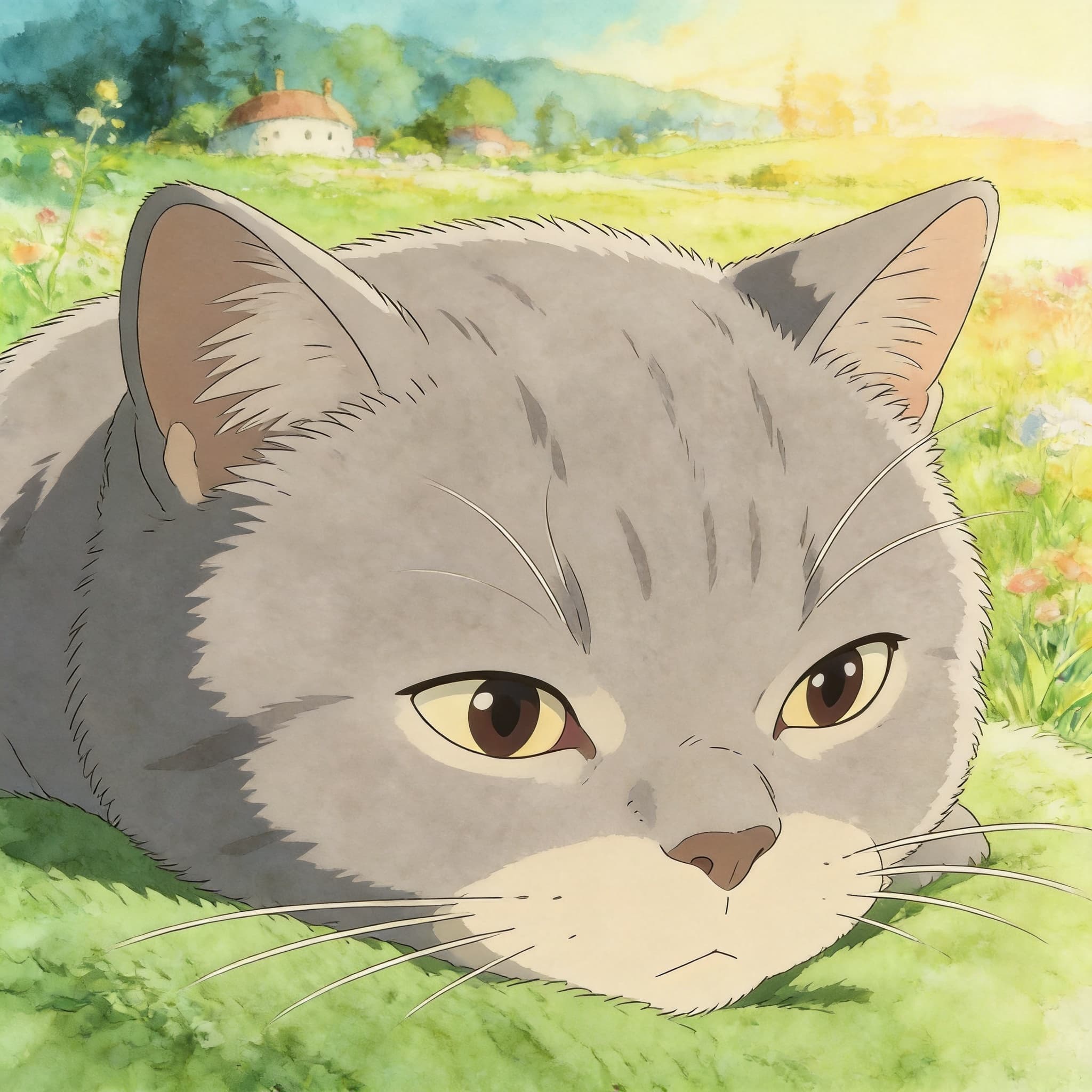 Before
A round-faced British Shorthair rendered with Miyazaki-inspired watercolor warmth and dreamy golden-hour light.
Hover to see transformation
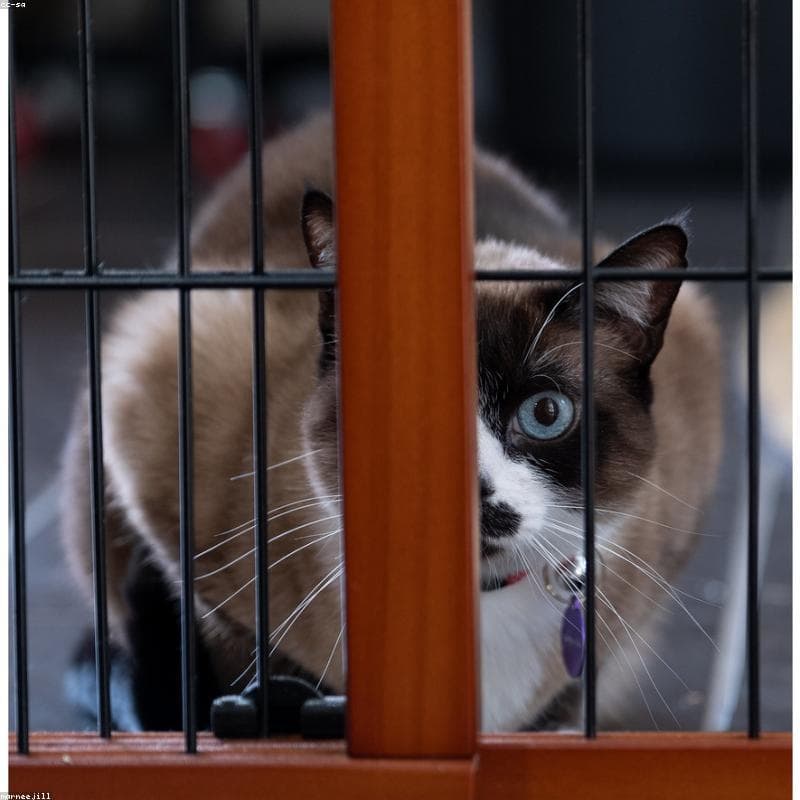
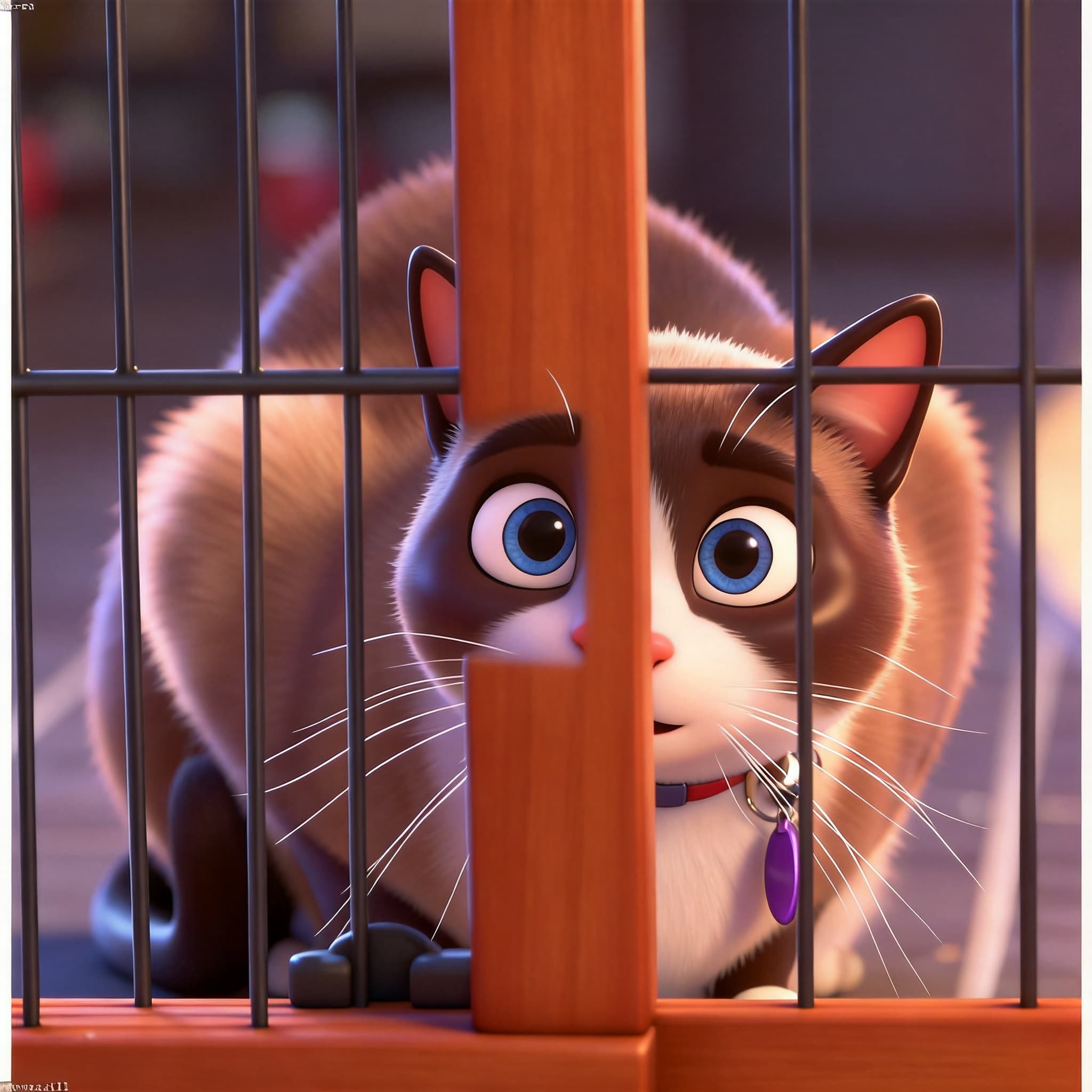 Before
A Siamese cat transformed into a glossy 3D character with striking blue eyes and cinematic studio lighting.
Hover to see transformation
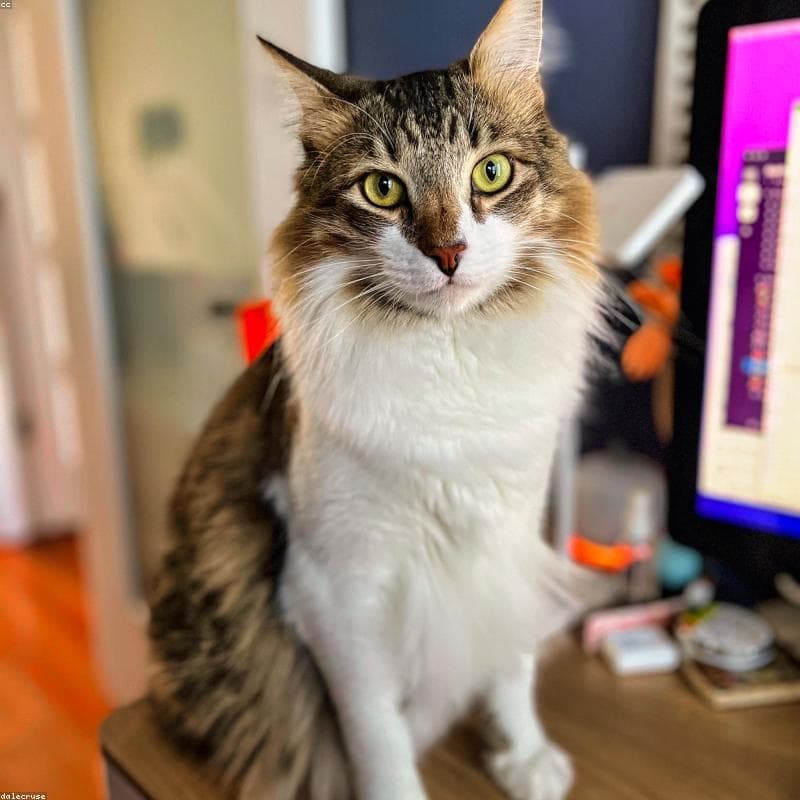
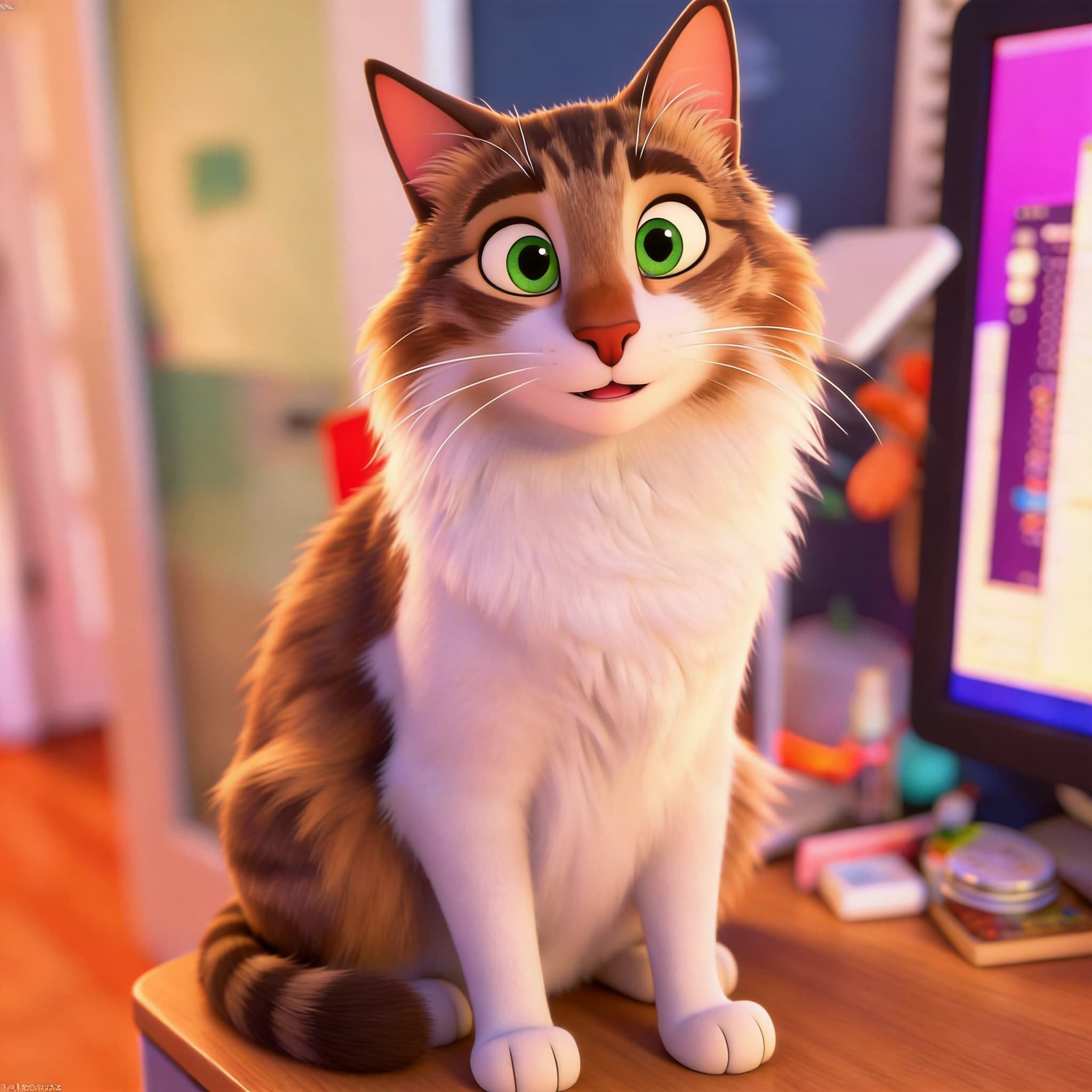 Before
A majestic Maine Coon reimagined in a colorful family-animation style with friendly features and bright, cheerful tones.
Hover to see transformation
 Before
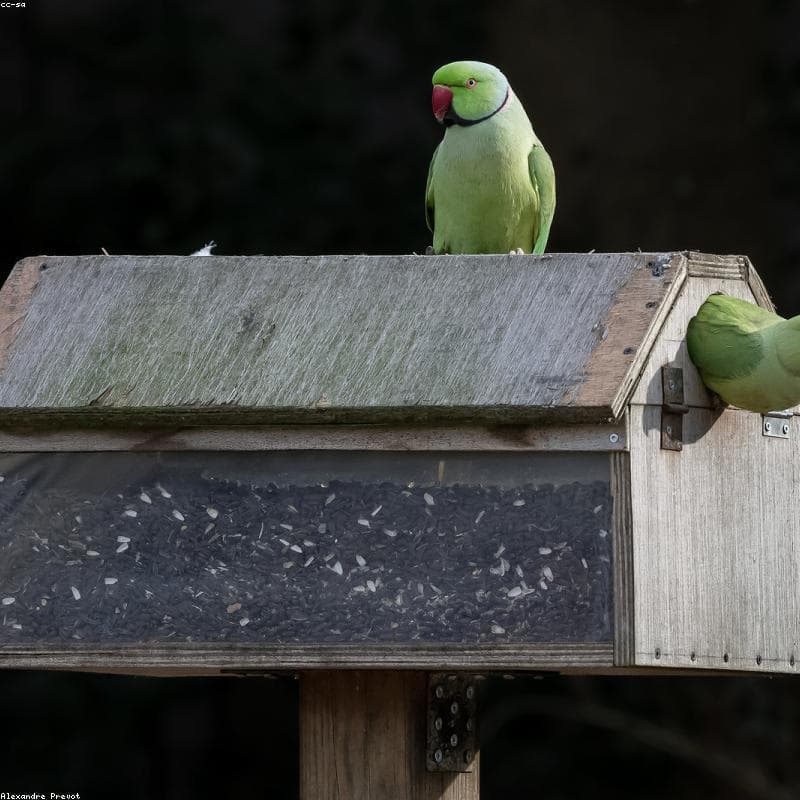
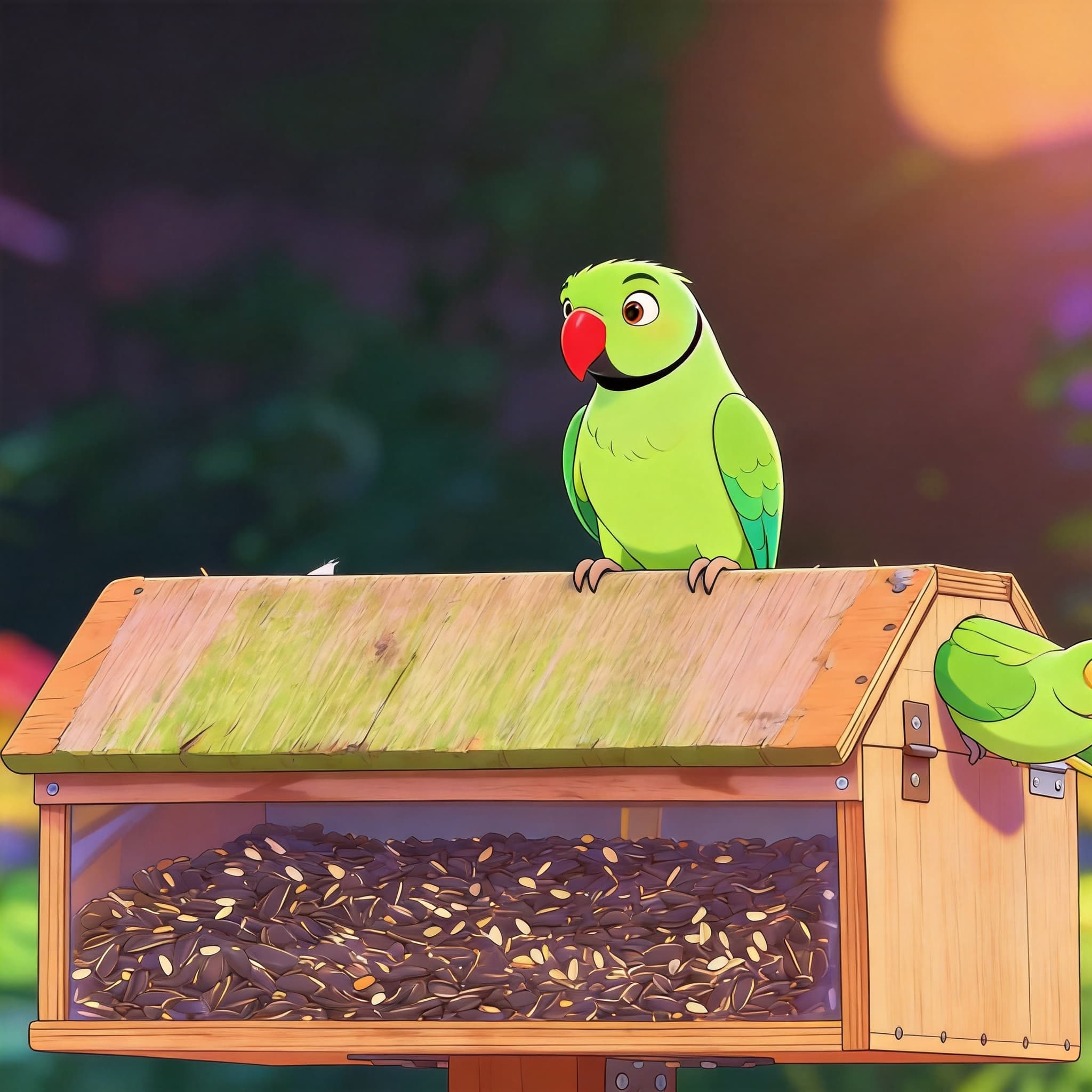
A vibrant Parrot reimagined in a playful family-animation style with bright plumage and stylized, friendly features.
Hover to see transformation

 Before
A serene Ragdoll cat transformed into a luminous anime portrait with vivid blue cel-shaded eyes and soft color-point fur.
Hover to see transformation
The AI works from what it can see. These five things make the biggest difference.
Questions
Everything about turning a pet photo into anime with the nine-style preview.
Upload a JPG, PNG or WebP of your pet. About 22 seconds later you get a preview grid with all nine styles, labelled A to I. Tap the one you like, sign in, and it renders again at full 2K — another 22 seconds or so.
Still have questions? Contact us.
PetToAnime generates four anime-inspired styles for dogs, cats, rabbits, and birds. Pick a tool below to explore each style.
PetToAnime
PetToAnime