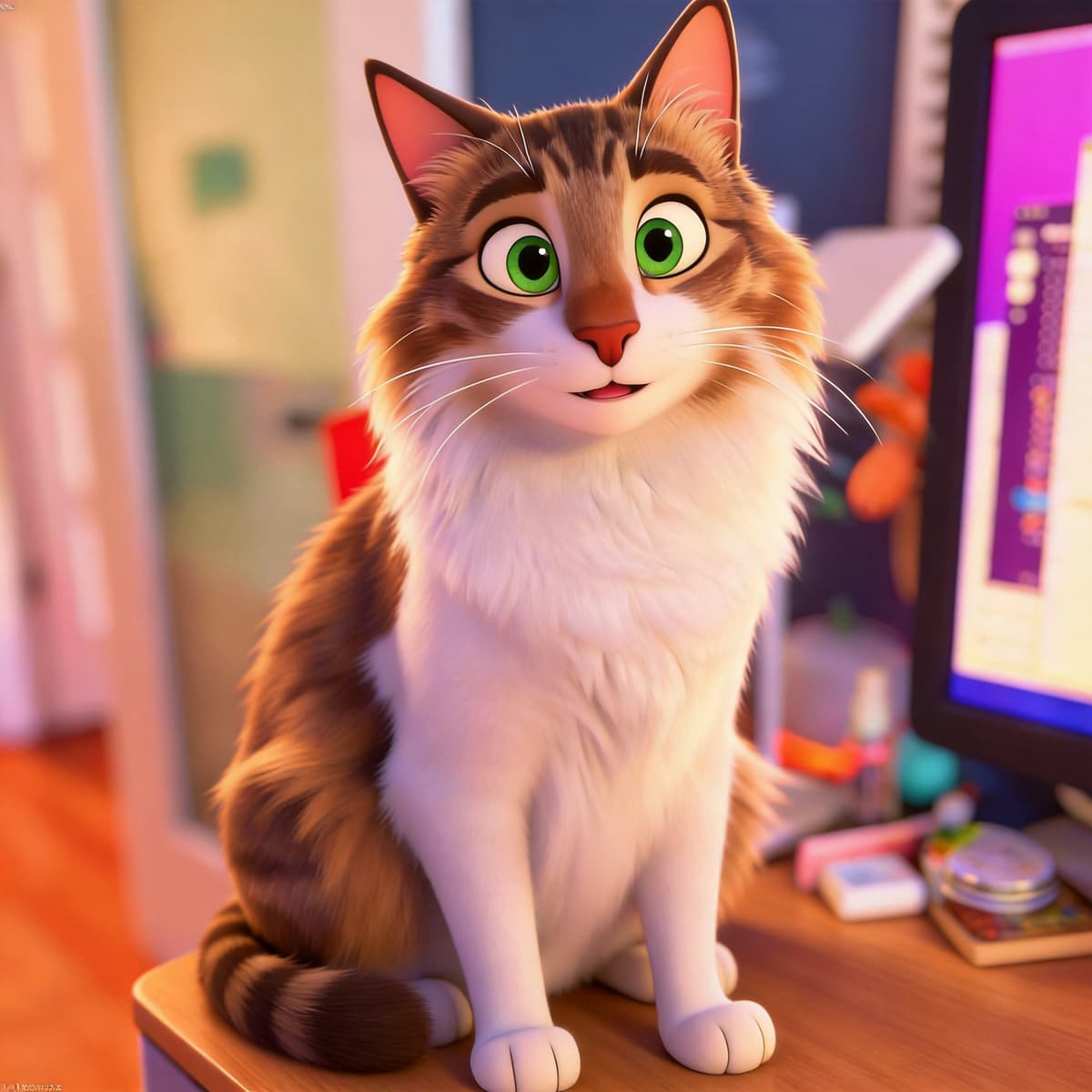
Japanese anime
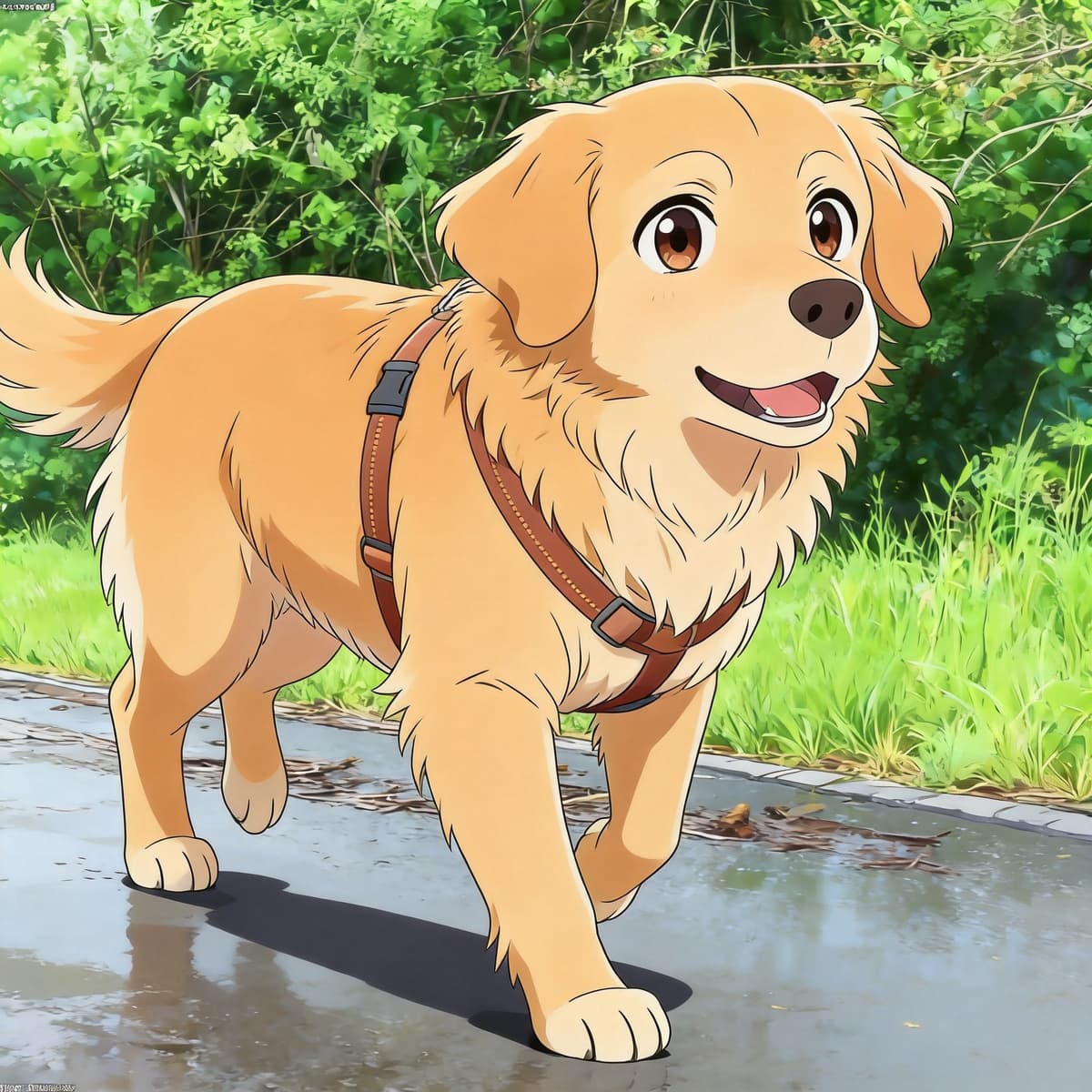
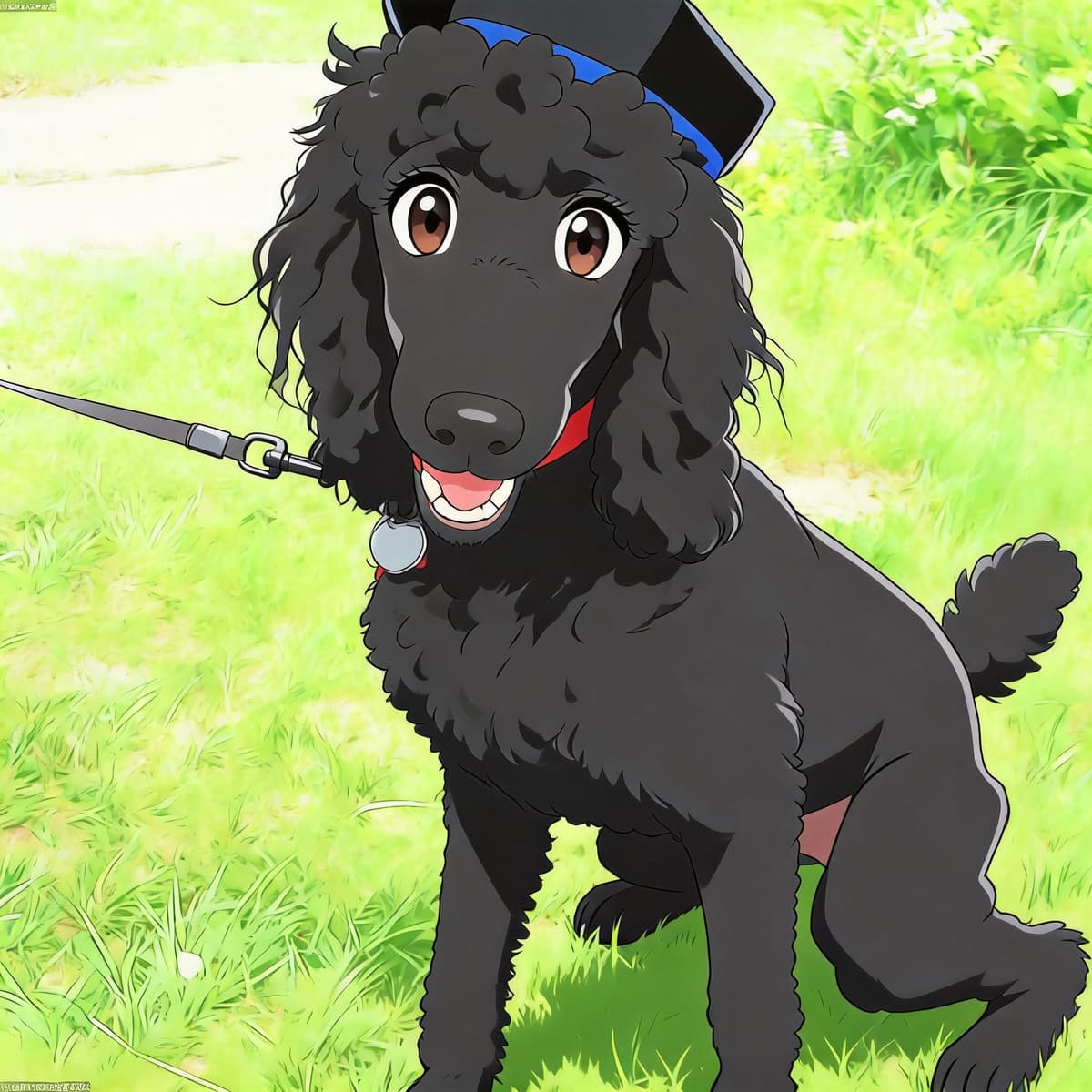
Modern cel shading: thick black outlines, flat saturated colour and hard-edged shadows. The most recognisably “anime” of the nine, and the safest pick for a profile picture.
AI Pet Photo Studio
Compare nine art styles from one photo. Choose your favourite.
Drop your pet photo here
or click to browse from your device
Supports JPG, PNG, WebP · Max 4MB · Best with clear pet face
Tip: you can also paste (⌘V / Ctrl+V) a copied image
No signup to preview · First 2K render free · Daily limits apply
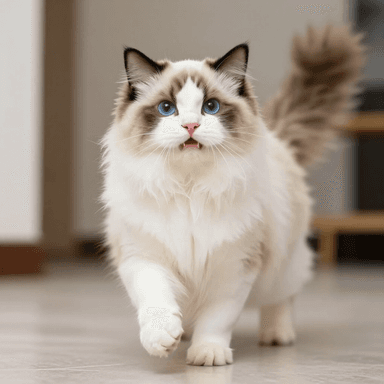
Different styles. Same little friend.
Start with your search
PetToAnime turns a photo of your pet into a grid of nine distinct art styles, from Japanese anime and manga to watercolour and royal oil portraits. Compare them before choosing a favourite. You can preview without an account; sign in when you want to render your choice as a 2K image. No app or design skills are needed.
Choose, drop or paste a clear JPG, PNG or WebP photo up to 4MB. You can start without an account.
Compare nine styles in one grid, labelled A to I. Tap the style you want to turn into a full-size image. Generation time can vary.
Sign in to render your chosen style at 2K resolution. Your first high-resolution render is free. Daily usage limits apply.
Each style reads differently. You do not have to choose upfront — every upload previews all nine, and you only render the one you want.
Modern cel shading: thick black outlines, flat saturated colour and hard-edged shadows. The most recognisably “anime” of the nine, and the safest pick for a profile picture.
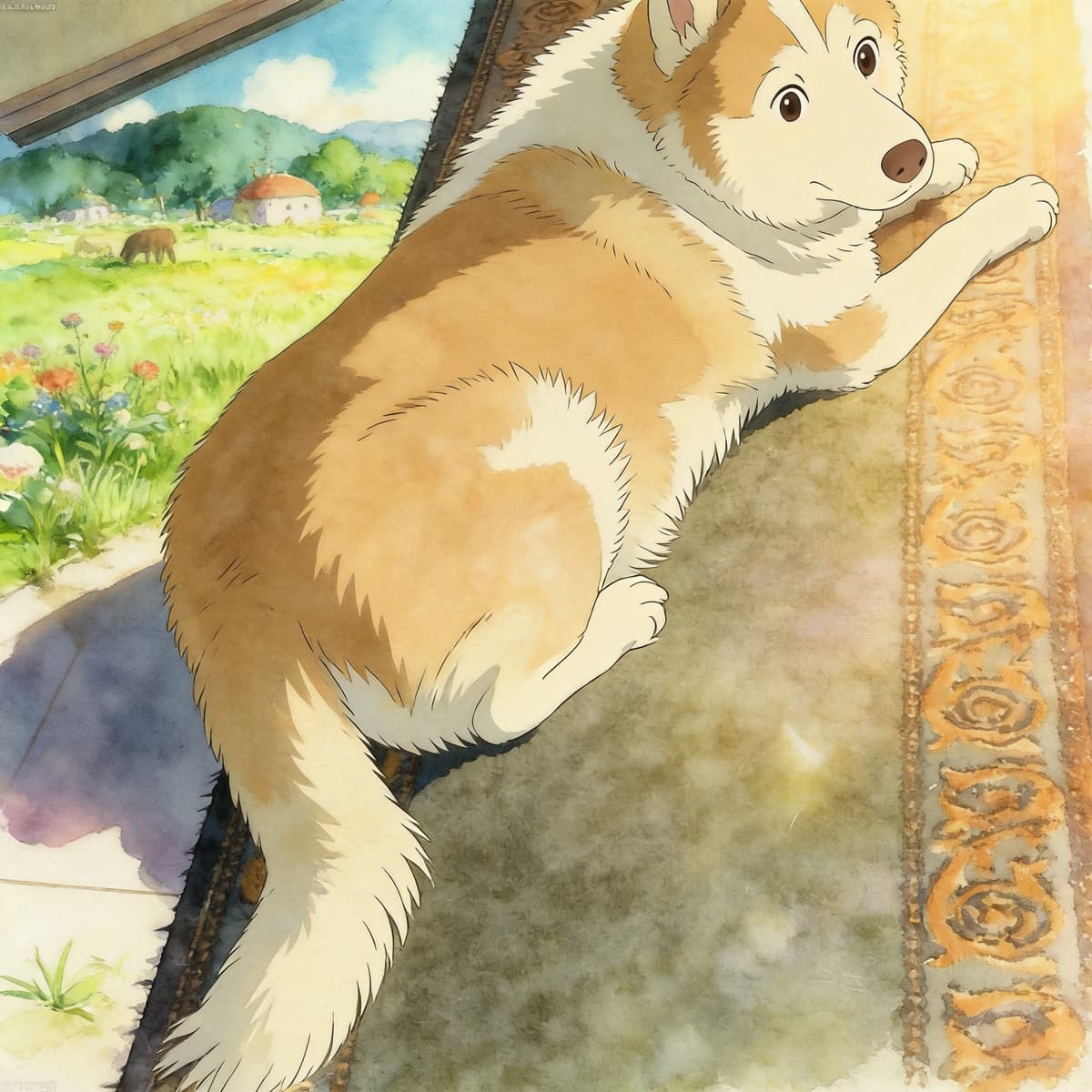
A film still with your pet sitting in a green meadow. Soft gouache brushwork, no outlines, warm natural light. Forgiving with imperfect photos, and the usual choice for memorial portraits.
A 3D render with glossy fur, rounded exaggerated volumes and dramatic studio lighting. Reads as a character from an animated film rather than a drawing.
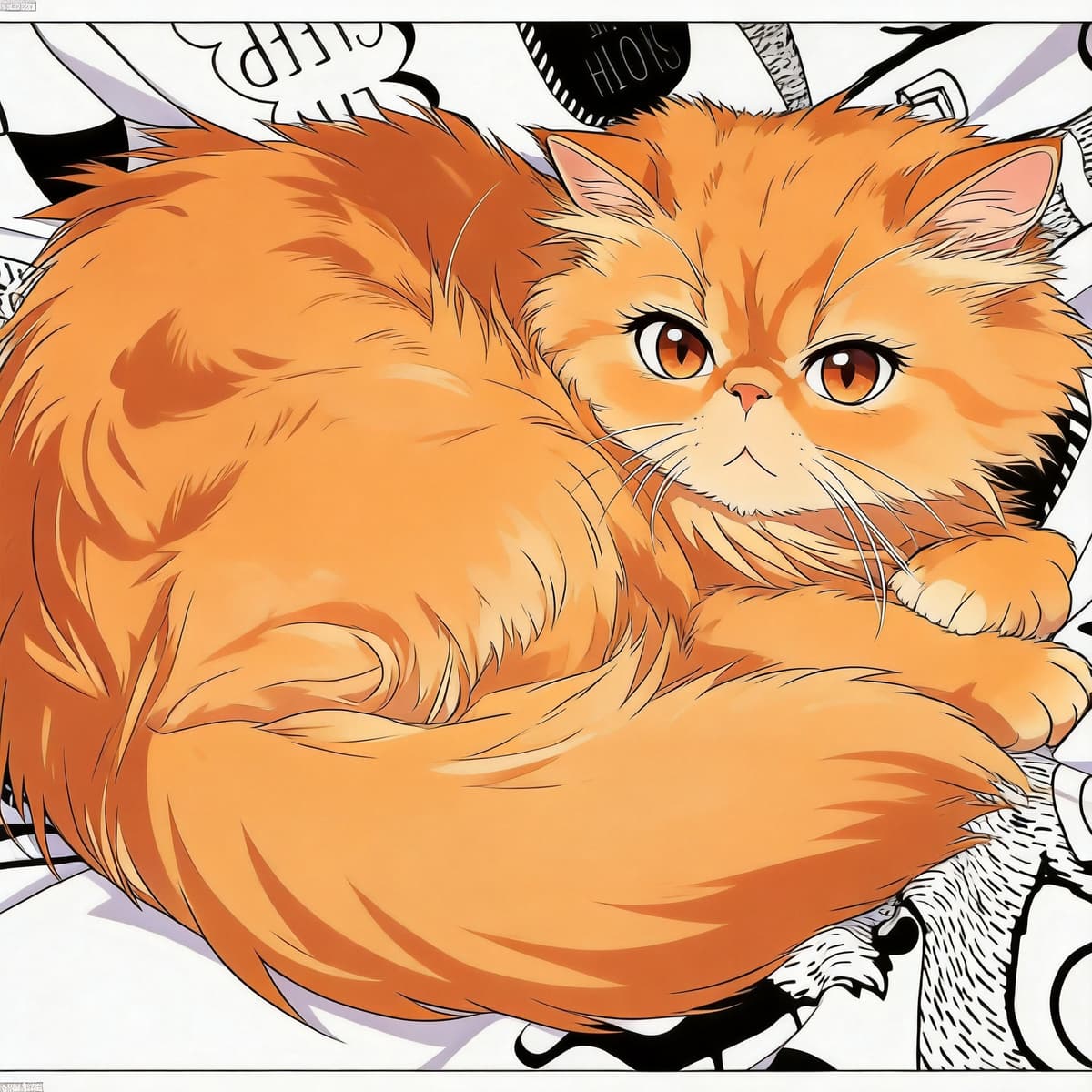
Pure black-and-white ink linework with screentone shading and speed lines. No colour at all, which makes it print beautifully and stand out in a colour feed.
Hand-drawn 1990s Disney: very thick even ink lines, flat candy colour and big exaggerated eyes. The most legible style at small sizes, so it works well for stickers and icons.
Traditional watercolour on visible cold-press paper — wet-in-wet bleeds, pale earthy tones and plenty of white space. The gentlest of the nine, and the one that looks most like a framed painting.
An 18th-century court portrait: near-black chiaroscuro background, thick glazed brushwork, a gold collar and red velvet drapery under candlelight. Funny and genuinely grand at the same time.
A Makoto Shinkai film still — your pet backlit against an extremely detailed sunset sky, with lens flare, god rays and deep blue-to-amber colour. The most cinematic option for a phone wallpaper.
1980s animation shot on film: heavy grain and dust, muted flat colour, slight chromatic fringing and wobbly hand-drawn lines. Looks like a frame pulled off an old VHS tape.
Real Results
Same pet, same photo — see the before and after. Every result below was generated from the original on the left.
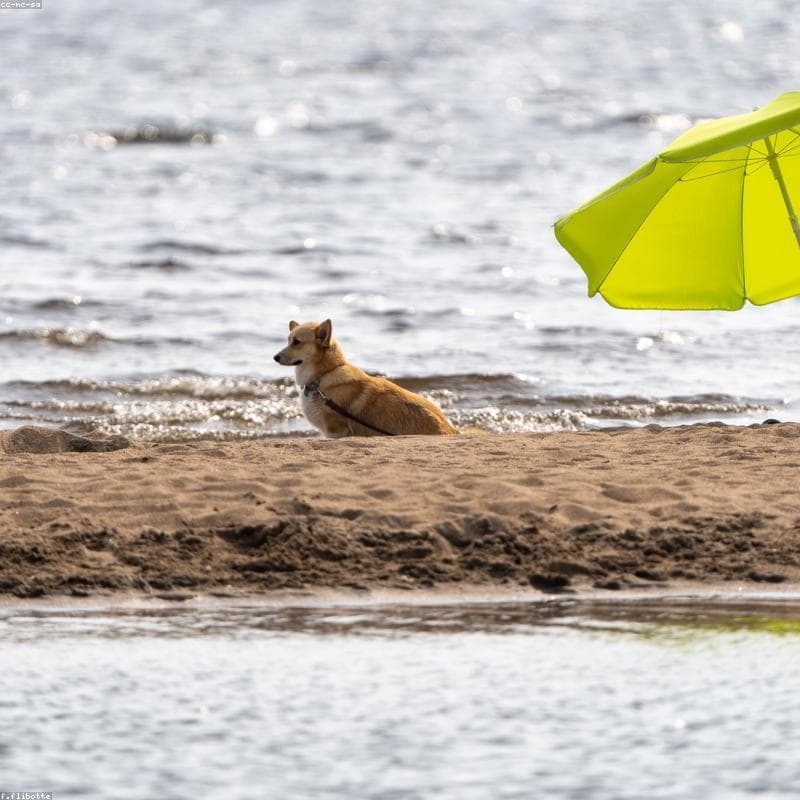 Original
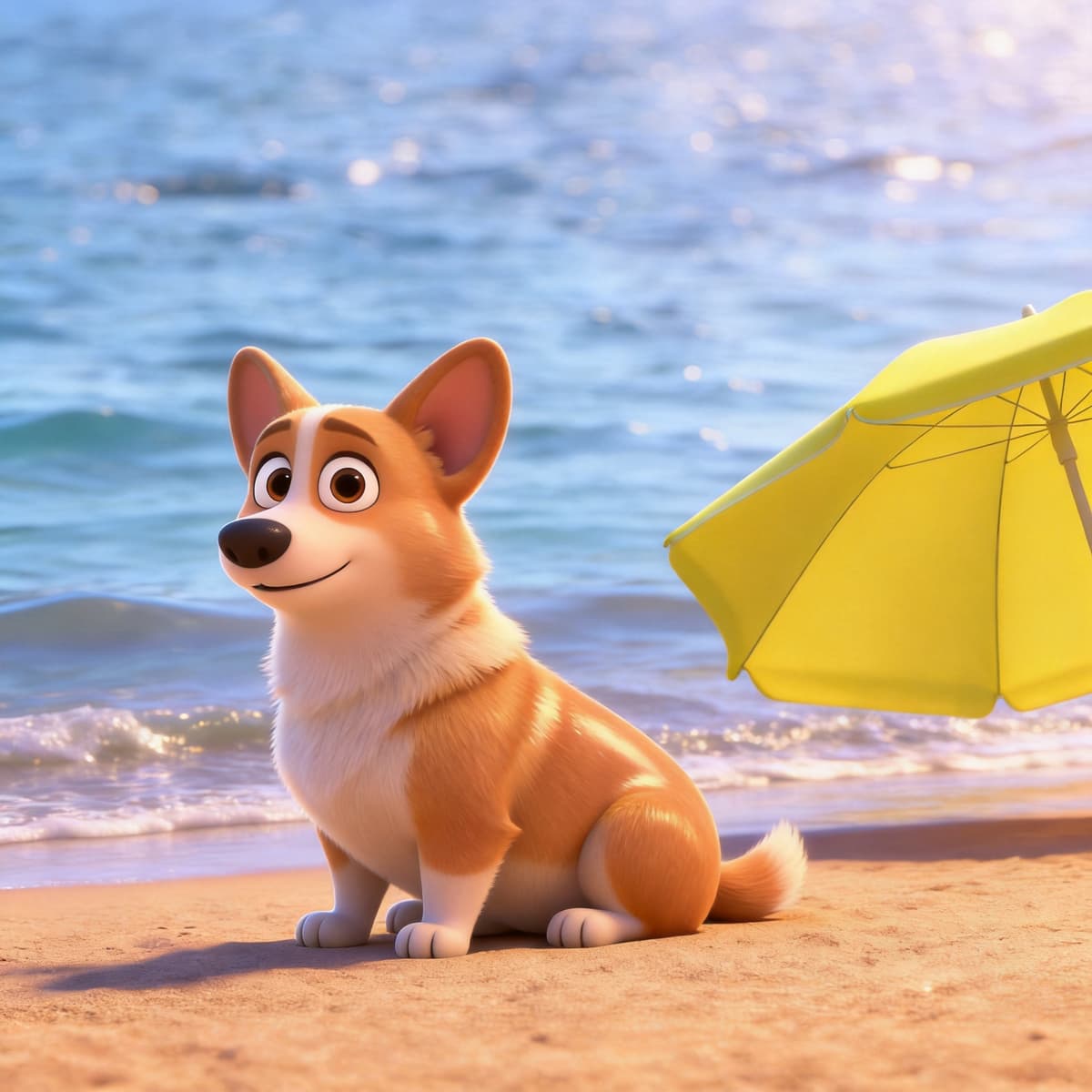 Anime
Anime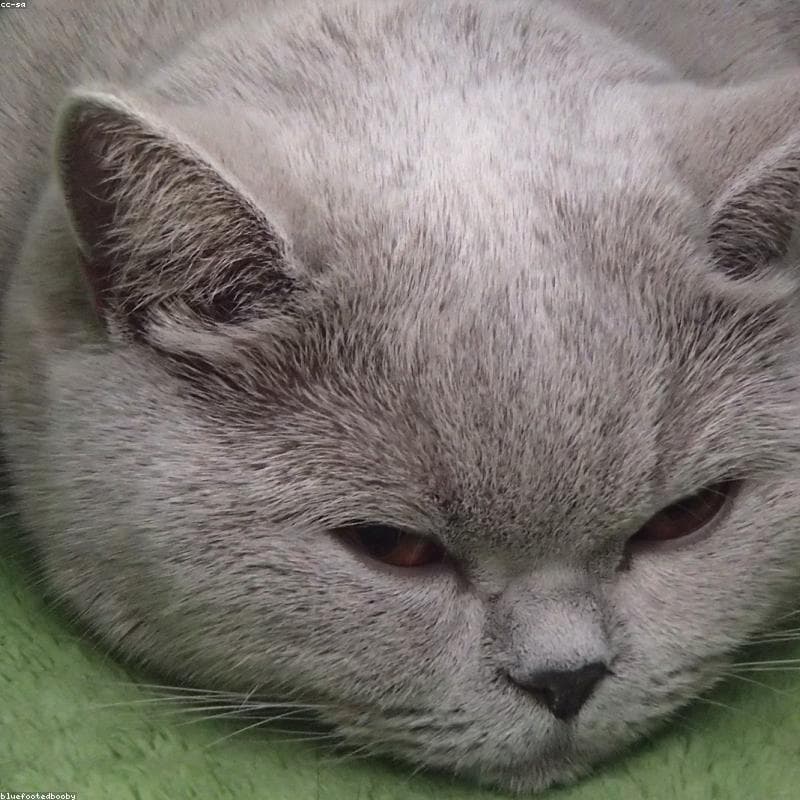 Original
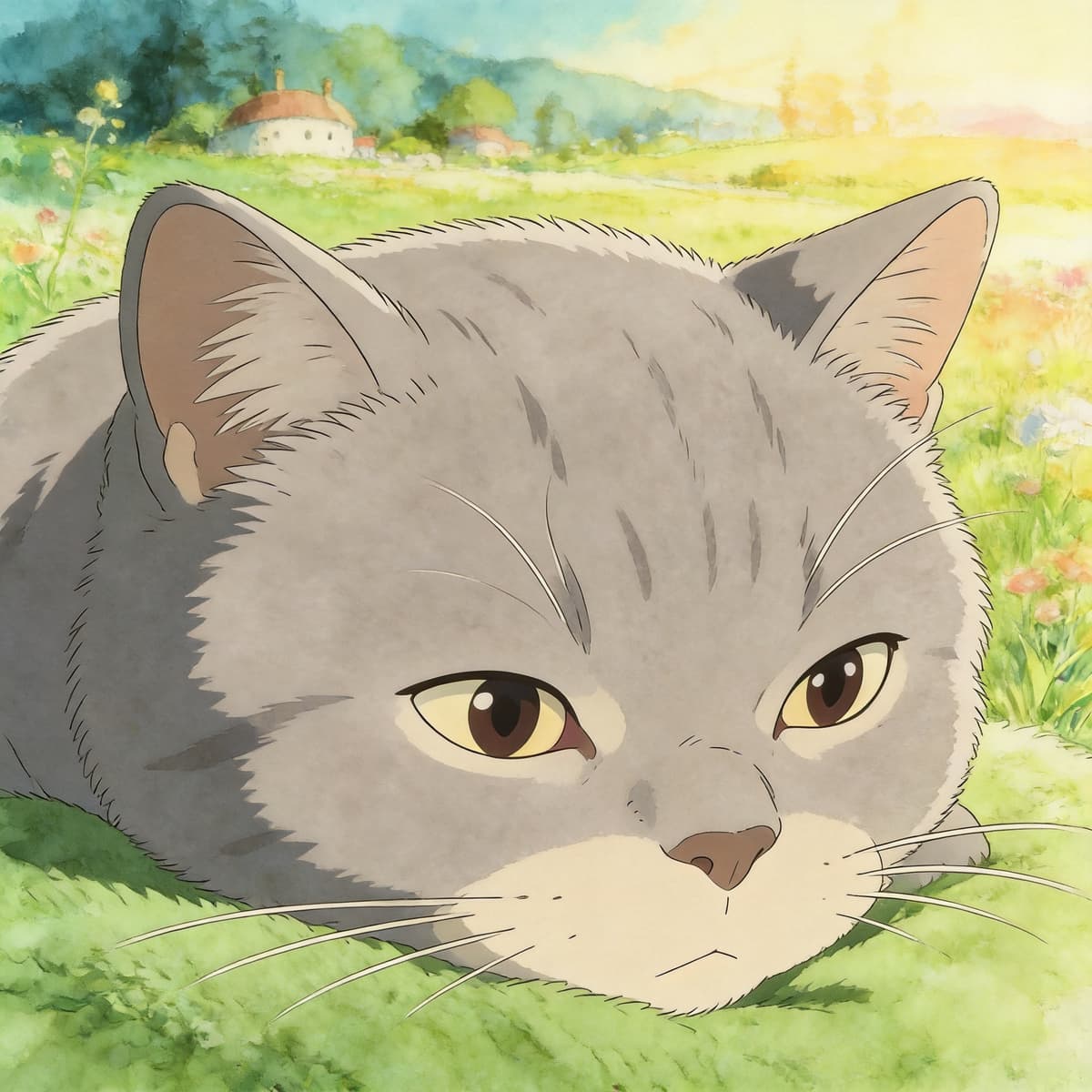 Anime
Anime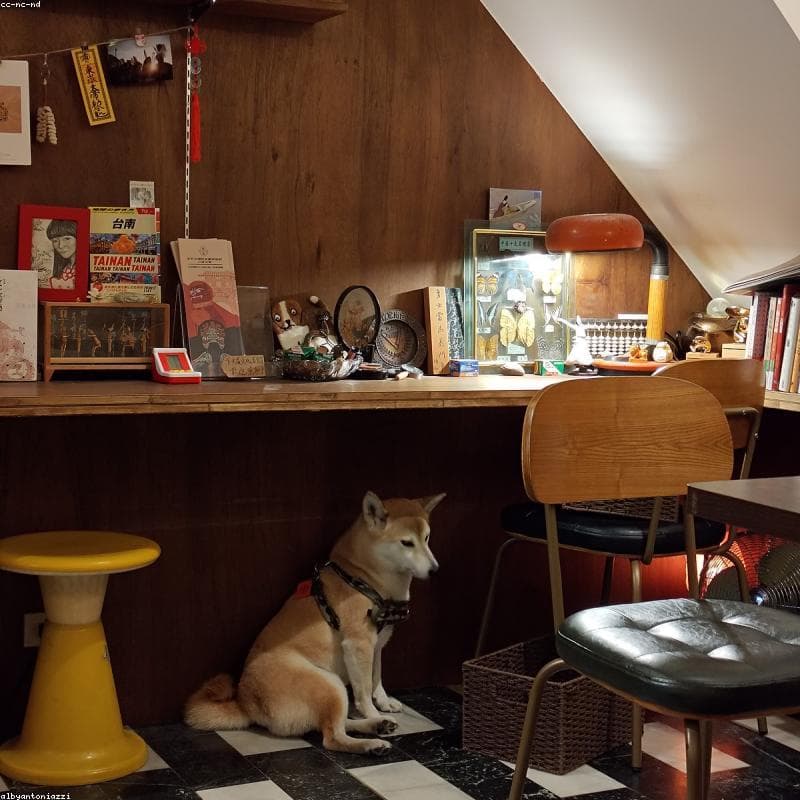 Original
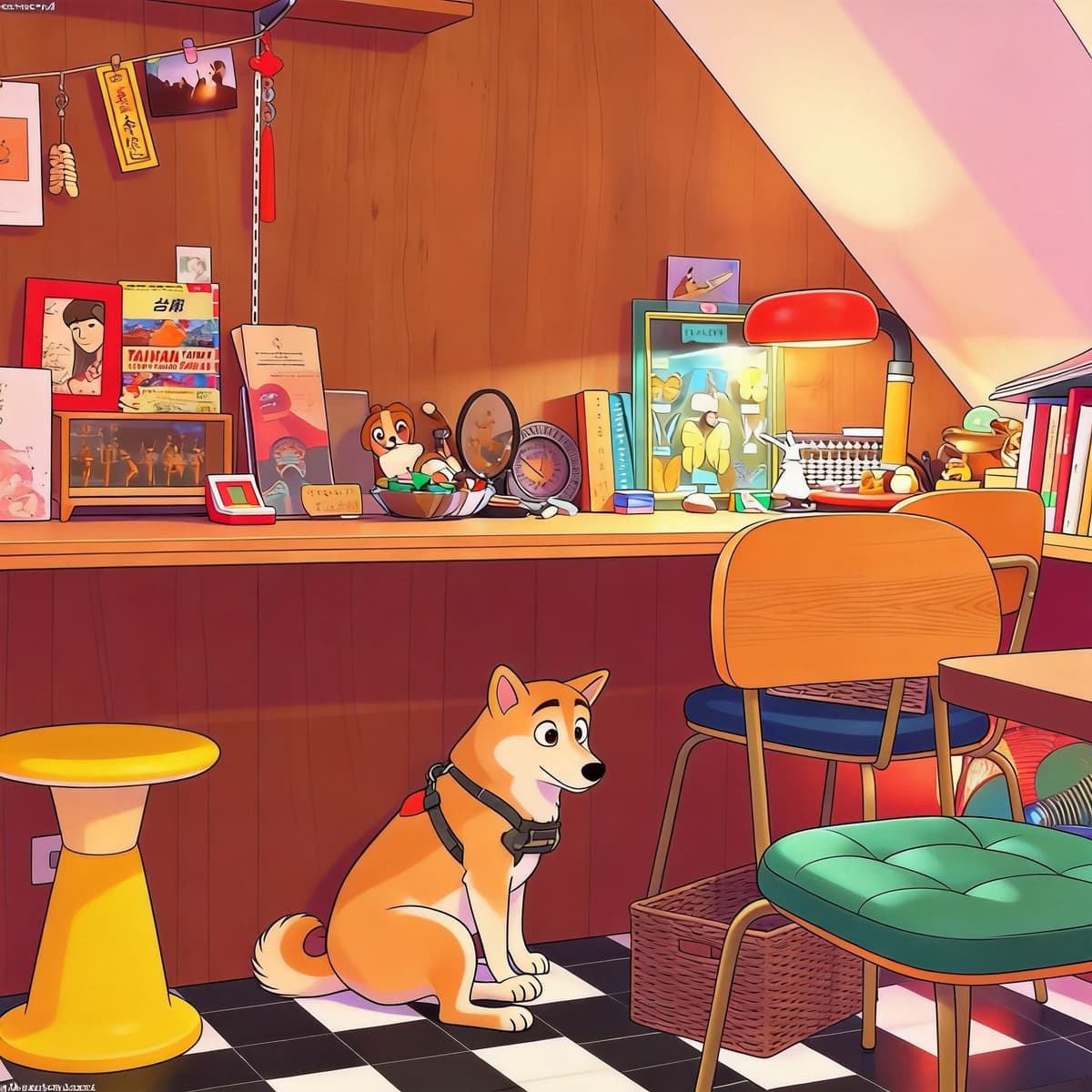 Anime
AnimeQuestions
Everything about turning a pet photo into anime with the nine-style preview.
Upload a JPG, PNG or WebP of your pet. About 22 seconds later you get a preview grid with all nine styles, labelled A to I. Tap the one you like, sign in, and it renders again at full 2K — another 22 seconds or so.
Still have questions? Contact us.
Related Resources
Once you've generated your anime pet, dig deeper with breed-specific tips, dedicated style pages, and a full gallery of real transformations. The examples gallery shows before-and-after pairs across every supported style, while the dog and cat tool pages let you start a new generation tuned to each pet type. The FAQ covers photo tips and common generation questions.
Anime Styles
From soft Ghibli watercolors to vibrant Pixar 3D — find the perfect style for your pet.
Popular Breeds
Detailed guides for transforming your specific breed into anime artwork.
Latest Examples
Real pet photos turned into stunning anime artwork by PetToAnime.
PetToAnime