Use Case
Pet Anime Poster
Custom anime posters of your pet, ready to print at A4, A3, or A2 with crisp line work that holds up at large sizes.
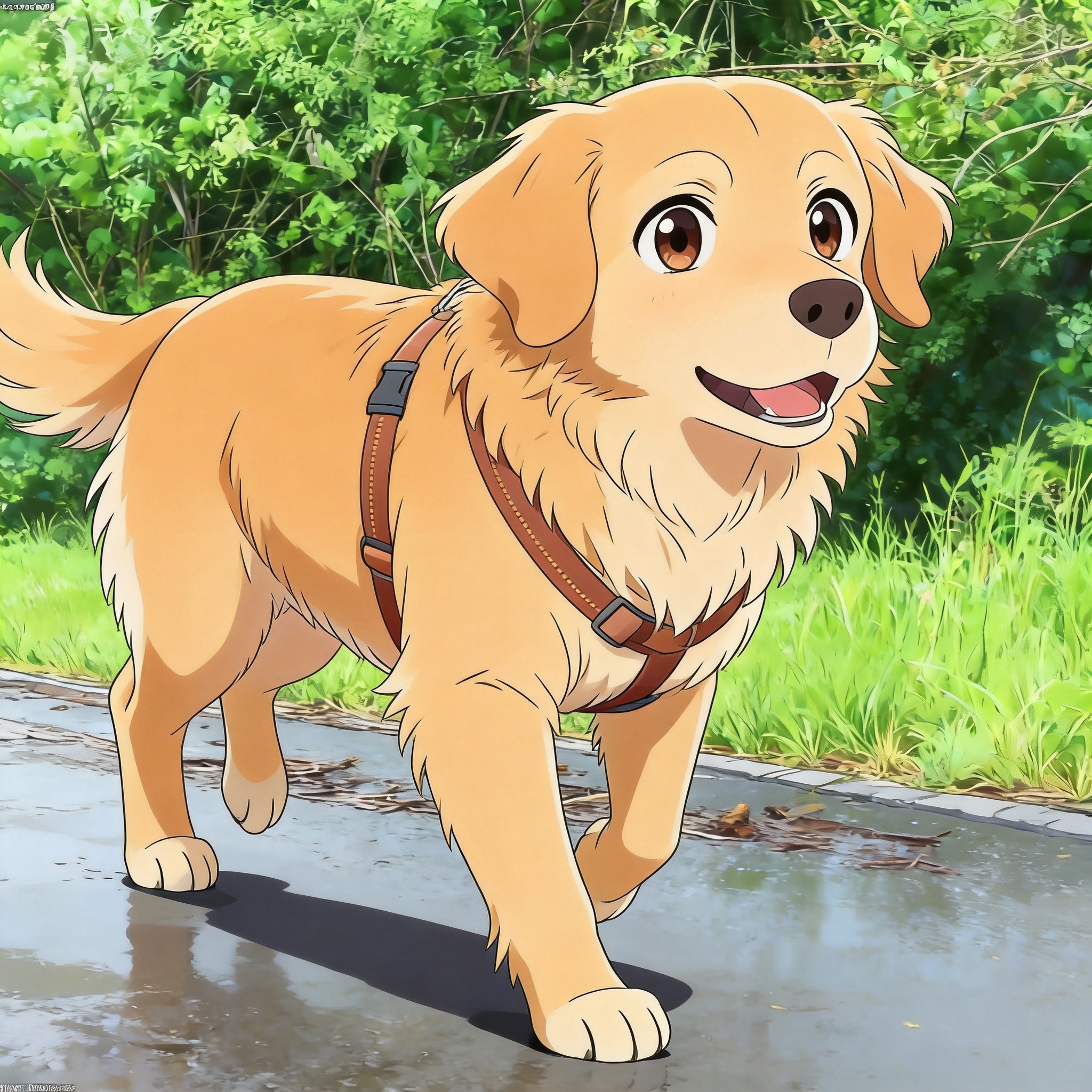
Why make a pet anime poster
A pet anime poster is a large-format print of your pet re-rendered in an anime style, designed to hang on a wall rather than sit on a phone screen. The use case is different from a wallpaper or profile picture because the print size drives everything: an A2 poster (420x594mm) at 300 DPI needs 4961x7016 pixels, and an 18x24 inch poster needs 5400x7200. PetToAnime generates at HD (1024px on the long edge), which covers up to A4 at full print quality, and works for A3 and A2 with a clean 1.5-2x upscale because anime line art holds up well to upscaling.
The reason posters work especially well with anime styles is that anime is fundamentally a vector-friendly aesthetic — flat color regions, strong outlines, limited shading gradients. Photographic detail breaks down when upscaled; flat color regions do not. A Ghibli-style background sky or a Pixar-style character render both scale to A2 without the mushy, watercolor-stain look that an upscaled photo develops. This makes anime the right choice for large-format pet art.
For framing, plan around standard poster sizes. A2 (420x594mm) and A3 (297x420mm) are the most common European poster frames; 18x24 inch and 24x36 inch are the US equivalents. Generating in the matching aspect ratio (1:1.41 for A-series, 3:4 for 18x24) avoids cropping your pet's ears or tail at the print stage. A vertical portrait orientation is the most common choice for a single-pet poster.
New accounts get 5 free credits at sign-up and the first poster design is free. HD generation is 5 credits per image; the $15 for 150 credits pack is the most economical choice if you want to iterate on several compositions before printing.
A useful trick for poster projects: generate two variations with the same prompt but different source photos of the same pet (one sitting, one standing, one mid-action). Most owners end up framing only one, but having a second composition on hand gives you a fallback if the first framing looks awkward once printed at full size. Printing is the expensive step; generation is cheap.
For multi-pet households, a single poster can include two pets by using the pet-couple-anime flow with both source photos, or you can generate two separate posters and frame them as a pair. The pair approach tends to read better at wall size — each pet gets full attention in their own frame, and the pair feels like a coordinated set when both posters share a style (same anime treatment, similar background palette).
Related guides: Pixar 3D Pet Portraits, Ghibli Style Pet Portraits, Dog to Anime Guide.
Anime styles that work well as posters
Pixar 3D Pet
Glossy 3D rendering with cinematic lighting reads as a movie poster at A2 size. The depth-of-field background blur keeps the eye on your pet rather than wandering into the scene.
Ghibli Pet
Soft watercolor warmth and detailed background skies reward close-up viewing — the kind of poster where you notice new details each time you look at it. Best for posters that hang in living spaces.
Anime Pet
Cel-shaded line art and flat colors produce a graphic, illustration-style poster that looks like a frame from a film. Strong lines hold up well at large print sizes.
Manga Pet
High-contrast black and white reads as a serious art print, suitable for framing behind glass. Good choice for a more formal or gallery-style presentation.
How to make a pet anime poster
- 1
Pick the target print size
Choose A4 (210x297mm), A3 (297x420mm), A2 (420x594mm), or US equivalents like 18x24 inch. The print size determines the aspect ratio you should generate in.
- 2
Pick a photo with strong composition
Posters reward composition. Choose a photo where your pet has a clear pose — sitting, looking at the camera, mid-action — rather than a casual snapshot. The pose will be enlarged to wall size.
- 3
Upload and pick the matching aspect ratio
Upload the photo and pick the aspect ratio that matches your print size: 1:1.41 for A-series, 3:4 for 18x24 inch. The generator will compose for that ratio.
- 4
Prompt for a poster-style composition
Use a prompt that orients the scene: "anime golden retriever sitting in a meadow at golden hour, soft focus background, cinematic lighting" gives the AI enough context to compose a poster-worthy image.
- 5
Generate at HD (~20 seconds)
HD output covers A4 directly. For A3, upscale 1.5x in any image editor. For A2, upscale 2x. Anime line art holds up cleanly to these scales because of its flat color regions.
- 6
Print and frame
Export the upscaled image as a PDF or JPG at 300 DPI and send to a print service (most online printers accept a single-page PDF). Frame behind glass for a gallery-style presentation, or pin directly to the wall for a more casual look.
Tips for posters that look good at wall size
- Pick a strong pose in the source photo — casual snapshots become awkward when enlarged to A2; a clear sitting or three-quarter pose works better.
- Generate at HD and upscale 1.5x for A3, 2x for A2. Anime flat-color regions hold up to upscaling better than photographic detail.
- Use cinematic lighting prompts ("golden hour," "soft focus background," "cinematic lighting") to give the poster a movie-poster feel.
- Frame behind glass for a gallery-style presentation; matte glass reduces reflections and makes the colors read accurately under indoor lighting.
- Generate a vertical portrait orientation for single-pet posters; horizontal landscape works better for multi-pet or scene-heavy compositions.
Frequently asked questions
What size can I print a pet anime poster at?+
A4 (210x297mm) directly from HD output. A3 (297x420mm) with a 1.5x upscale. A2 (420x594mm) with a 2x upscale. US sizes: 11x14 inch direct, 16x20 inch with 1.5x upscale, 18x24 inch with 2x upscale.
Is HD resolution enough for a large poster?+
HD output (1024px) covers A4 at 300 DPI directly. For A3 and A2, upscale 1.5-2x in any image editor. Anime styles with flat color regions hold up to upscaling cleanly because they do not rely on fine photographic detail that breaks down when enlarged.
How many credits does a pet anime poster cost?+
HD generation is 5 credits per image. New accounts get 5 free credits at sign-up, and the first design is free. The $15 for 150 credits pack is the most economical choice if you want to iterate on several compositions before printing.
Which anime style is best for a large poster?+
Pixar 3D Pet reads as a movie poster at A2 size. Ghibli Pet rewards close-up viewing with detailed backgrounds. Anime Pet produces a graphic, illustration-style poster. Manga Pet works for a serious, gallery-style presentation.
How do I print a large-format poster?+
Export the image as a PDF or JPG at 300 DPI and send to an online print service (Mixbook, Snapfish, or any local printer that accepts single-page PDFs). Most services offer A2, A3, 18x24 inch, and 24x36 inch standard sizes on matte or glossy poster paper.
Should I frame the poster behind glass?+
Yes, especially for A2 and larger. Glass (or acrylic) protects the print from dust and UV damage. Matte glass reduces reflections and makes the colors read accurately under indoor lighting; glossy glass deepens the colors but reflects more.
Make your pet anime poster
Upload a strong-pose photo, pick a print-sized aspect ratio, generate at HD, and upscale for A3 or A2. First design free.
Related use cases, styles & breeds
Explore more pet anime guides, styles, and breed-specific tips
PetToAnime
PetToAnime