Use Case
Pet Anime Profile Picture
A square 1:1 anime avatar of your pet that fits Instagram, X (Twitter), Discord, and Reddit profiles — generated in about 20 seconds.
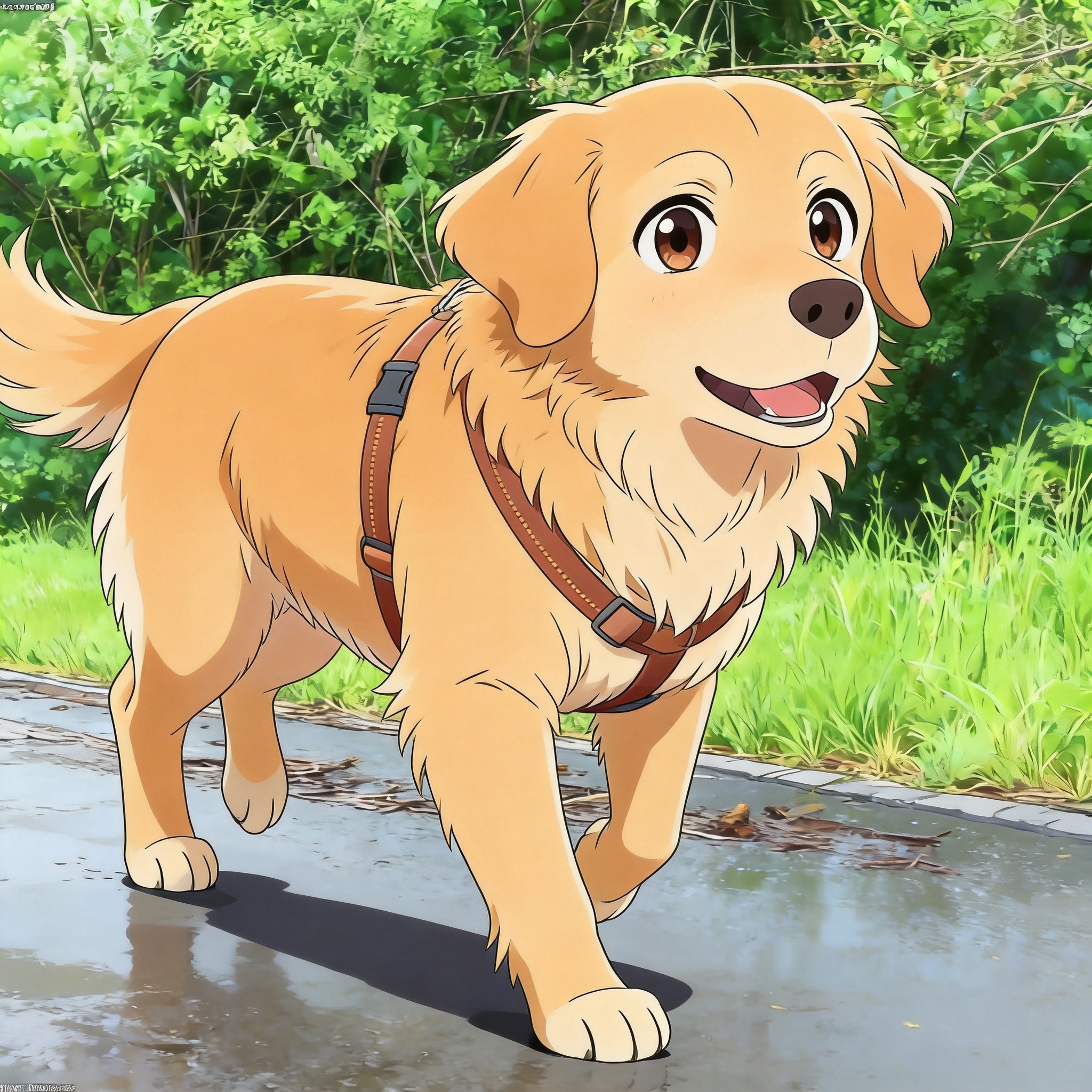
Why turn your pet into an anime profile picture
A pet anime profile picture is a square 1:1 avatar generated from a single photo of your cat or dog, re-rendered in an anime art style. The output is the same square ratio social platforms expect, so you can upload it directly to Instagram, X (formerly Twitter), Discord, Reddit, or a Slack workspace without extra cropping. Most users run the generator once or twice until they land on an expression they like, then keep the avatar for months.
The use case is different from a wallpaper or poster because the image has to read clearly at 32 pixels wide. That means a tight head-and-shoulders crop, a clean background, and a style with strong line work. The AI pet avatar that PetToAnime produces is tuned for these constraints: it preserves your pet's recognizable markings (a Siberian Husky's mask, a Calico's patches) while translating them into cel-shaded line art.
For social platforms specifically, the square crop matters more than resolution. Instagram will downscale to 320x320, Discord to 128x128 in chat, and Reddit to 256x256 on profile pages. Generating at HD from the start gives you a clean master that survives every downscale, so your pet's face stays sharp even as a tiny circle. The whole flow takes about 20 seconds end to end — upload, prompt, generate, download.
New accounts start with 5 credits at sign-up, and the first anime profile picture is free. After that, HD generation is 5 credits per image, with packs at $5 for 50 credits or $15 for 150 credits if you want to try several variations side by side.
Most users keep their pet anime profile picture for 6-12 months before regenerating. Common reasons to refresh are a new pet joining the family, a seasonal mood change (warm-weather colors versus cozy winter palette), or a new platform switching to a circular crop that hides part of the original avatar. Generating a fresh avatar takes about 20 seconds, so rotating periodically is low-cost.
One thing worth checking before you commit: the way your avatar looks next to your display name. Some platforms render the avatar to the left of the name, some above it, and Discord overlays it as a small circle in chat. A pet anime profile picture that reads great as a standalone image can feel busy once the platform puts text next to it. If the name and avatar feel cluttered together, regenerate with a softer background or a tighter crop on your pet's face.
Related guides: Anime Style Pet Portraits, Pixar 3D Pet Portraits, Dog to Anime Guide.
Anime styles that work well as profile avatars
Anime Pet
Clean cel-shaded line work and flat colors hold up at small sizes. This is the safest default for a 1:1 avatar because the strong outlines survive downscaling to 128x128 Discord thumbnails.
Pixar 3D Pet
Glossy 3D rendering with cinematic lighting reads as a high-end profile picture on LinkedIn or a portfolio site. Best when you want the avatar to feel like a polished character render rather than flat illustration.
Ghibli Pet
Soft watercolor warmth works well on Instagram and personal blogs where the tone is friendly rather than corporate. Backgrounds tend to be lighter, which keeps a circular crop from feeling busy.
Manga Pet
Black-and-white manga rendering stands out against the sea of colorful avatars on X and Reddit. Good choice if you want a recognizable, low-noise thumbnail.
How to make a pet anime profile picture
- 1
Pick a tight, well-lit photo
Choose a square-ish source photo where your pet's face and shoulders fill most of the frame. Front-facing or three-quarter angles work best; full-body shots produce avatars where the face is too small at 128x128.
- 2
Upload to PetToAnime
Drag the photo into the upload box on the home page. JPG and PNG up to about 10 MB are accepted. The uploader previews the image before generation so you can confirm the crop.
- 3
Pick a square 1:1 aspect ratio
The image generation flow lets you specify aspect ratio. For a profile picture, choose 1:1 so the output matches what Instagram, Discord, and X expect without manual cropping.
- 4
Write a short prompt
A prompt like "anime cat avatar, head and shoulders, clean line art, soft gradient background" is enough. Mention a single solid background color if you want the avatar to sit cleanly inside a circular crop.
- 5
Generate and review (~20 seconds)
Generation takes about 20 seconds per image at HD. If the markings are off or the expression is too neutral, regenerate with a tweaked prompt rather than overwriting the source.
- 6
Download the HD master
Download the HD PNG so you have a clean source for future re-crops. Most platforms accept the file as-is; Discord and Slack will let you crop to a circle on upload.
Tips for a profile picture that reads at small sizes
- Use a solid or single-color background in the prompt — busy backgrounds turn into muddy noise at 128x128.
- Keep your pet's distinctive markings (ear shape, patch positions) in the prompt so the avatar stays recognizable to people who know the animal.
- Generate at HD even if the destination is a 32px favicon; downscaling from a clean 1024px master is always sharper than upscaling a small render.
- For Discord nitro-style animated avatars, generate 2-3 frames with slightly different expressions and assemble them externally.
- Test the avatar in a circular crop before committing — some styles render ears close to the frame edge and get clipped by circular masks.
Frequently asked questions
How big should a pet anime profile picture be?+
Generate at HD (1024x1024 or larger). Instagram, X, Discord, and Reddit all downscale on display, so a clean master gives you the sharpest avatar at every size. Upload the original HD file; the platforms handle the resizing automatically.
What aspect ratio should I pick?+
Use 1:1 square. Every major social platform expects a square avatar and will mask it into a circle on display. Generating in 1:1 saves you from manual cropping and avoids losing ears or whiskers to a circular mask.
How many credits does an anime profile picture cost?+
HD generation is 5 credits per image. New accounts get 5 free credits at sign-up, and your first anime profile picture is free. If you want to try several variations, packs are $5 for 50 credits or $15 for 150 credits.
Will my pet still look like my pet?+
Yes. The generator preserves distinctive features like coat pattern, ear shape, and eye color, then translates them into the chosen anime style. For best results, use a clear front-facing photo and mention the breed in the prompt.
Can I use the avatar commercially?+
Yes. Generated images are yours to use on personal and commercial profiles, including business social accounts, portfolios, and brand mascots. The PetToAnime license does not restrict commercial reuse of your own generated outputs.
Which anime style is best for a small avatar?+
Anime Pet (cel-shaded) is the safest pick — its strong outlines stay readable at 128x128. Manga Pet also works because high-contrast black and white survives downscaling. Avoid styles with fine background detail.
Make your pet anime profile picture
Upload a photo, pick a square 1:1 ratio, and generate an anime avatar in about 20 seconds. First try free, HD is 5 credits.
Related use cases, styles & breeds
Explore more pet anime guides, styles, and breed-specific tips
PetToAnime
PetToAnime