Use Case
Pet Anime Sticker
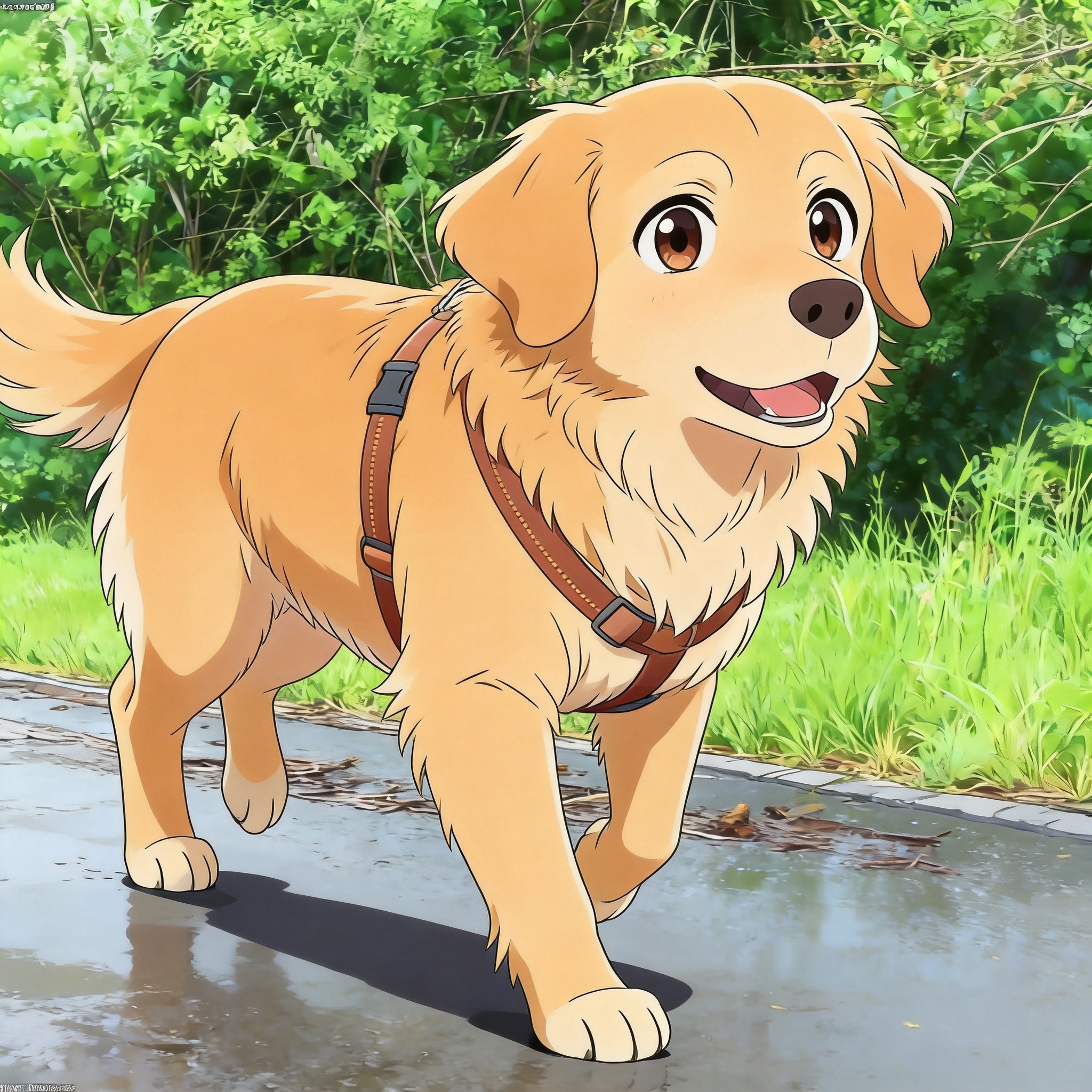
Custom anime stickers of your pet for WhatsApp, Telegram, and iMessage — generated as PNGs with clean, simple backgrounds.
Why make a pet anime sticker pack
A pet anime sticker pack is a set of 3-8 sticker-sized images of your pet re-rendered in an anime style, ready to import into WhatsApp, Telegram, or iMessage as a custom sticker set. The format is different from a profile picture because stickers need to work as reactions: small (typically 512x512 PNG), with clean edges that read instantly in a chat window. The right source photo is a tight crop of your pet's face or a clear gesture (head tilt, paw raise) so the sticker works as an emotional reaction.
The technical constraint that matters most is the background. WhatsApp and Telegram both support transparent PNGs, which lets the sticker float over the chat bubble. A solid or single-color background also works but looks less polished. PetToAnime's anime styles (especially Anime Pet and Manga Pet) render flat color regions that are easy to remove in any image editor with a single click, leaving a clean transparent PNG.
A good sticker pack usually has 3-8 stickers covering a range of emotions: happy, confused, sleepy, smug, surprised. You can generate these by running the same source photo with different prompts ("anime cat with happy expression," "anime cat with sleepy expression"), or by using different source photos of the same pet. Each generation takes about 20 seconds, so a full pack takes a couple of minutes.
Sticker packs work best when the source photos share a consistent style — same background color, same framing, same lighting. If you pull photos from different sessions, the AI will produce slightly different anime renderings for each, and the pack will look like a collection rather than a set. To keep things consistent, generate all stickers in one sitting using the same prompt template, only swapping the expression word between generations.
New accounts get 5 free credits at sign-up and the first sticker is free. HD generation is 5 credits per image; a pack of 8 stickers costs 40 credits, which fits in the $5 for 50 credits pack with room to spare. If you want to iterate on multiple compositions before settling on a final pack, the $15 for 150 credits pack covers 30 sticker generations.
One subtlety with stickers: chat apps render them at different sizes depending on context. WhatsApp shows stickers at about 256x256 in chat but 512x512 in the picker; Telegram renders them anywhere from 128x128 inline to 512x512 in the sticker menu. Generating at HD gives you a clean master for every context, but you should still preview the final sticker set inside the actual chat app before considering the pack done — a sticker that looks great in your editor can read completely differently once it is sitting next to a text bubble.
Related guides: Anime Style Pet Portraits, Manga Style Pet Portraits, Dog to Anime Guide.
Anime styles that work well as stickers
Anime Pet
Cel-shaded line art with flat color regions is the easiest to background-remove. Strong outlines also keep the sticker readable at 128x128 in a chat window.
Manga Pet
High-contrast black-and-white rendering pops against any chat background. Good choice for expressive reaction stickers where you want the emotion to read instantly.
Family Pet
Bright, saturated colors and exaggerated expressions match the tone of chat stickers. Works well for happy, excited, or playful reactions.
How to make a pet anime sticker pack
- 1
Plan 3-8 sticker expressions
List 3-8 emotions you want stickers for: happy, sleepy, confused, smug, surprised, etc. A good starter pack is 6 stickers covering the most common chat reactions.
- 2
Pick a tight, face-focused source photo
Stickers are small (typically 512x512 displayed at 128x128). Use a photo where your pet's face fills most of the frame so the expression reads at chat size.
- 3
Upload and pick a square 1:1 ratio
Upload the photo, pick 1:1 aspect ratio. WhatsApp, Telegram, and iMessage all expect square stickers at 512x512.
- 4
Prompt for a clean background
Use a prompt like "anime cat with happy expression, solid white background" so the background is easy to remove later. Mention the expression explicitly so the AI renders the emotion clearly.
- 5
Generate at HD (~20 seconds per sticker)
Each sticker takes about 20 seconds. Generate one per expression in your plan. Total time for a 6-sticker pack is about 2 minutes.
- 6
Remove background and import
Open each PNG in an image editor (remove.bg, Photoshop, or any free tool), remove the solid background, save as transparent PNG, then import into WhatsApp Web sticker maker, Telegram @stickers bot, or iMessage sticker template.
Tips for stickers that read in chat
- Use a solid white or single-color background in the prompt — solid backgrounds remove cleanly in one click in any image editor.
- Keep your pet's face large in the frame; stickers display at 128x128 in chat, so anything smaller than half the frame is invisible.
- Generate one sticker per expression rather than trying to fit multiple emotions into one image — clarity beats complexity at small sizes.
- Avoid fine background detail like grass or furniture — it turns into noise when scaled down and is hard to background-remove.
- Export final stickers as 512x512 transparent PNGs; that is the size WhatsApp, Telegram, and iMessage all accept.
Frequently asked questions
What size do pet anime stickers need to be?+
512x512 PNG is the standard for WhatsApp, Telegram, and iMessage. The platforms downscale for display (typically to 128x128 or 256x256 in chat), so a clean 512x512 master survives all of them. Generate at HD and crop to 512x512.
Can I make transparent-background stickers?+
Yes. Generate with a solid background (white or single color) in the prompt, then remove the background in any image editor — remove.bg, Photoshop, or free tools like Photopea all handle flat-color backgrounds in one click. Save as PNG to preserve transparency.
How many stickers should be in a pack?+
3-8 is the sweet spot. WhatsApp requires at least 3 stickers per pack, Telegram supports up to 120 per pack, and iMessage apps typically hold 6-12. A 6-sticker pack covering happy, sleepy, confused, smug, surprised, and a neutral face is a good starter set.
How many credits does a sticker pack cost?+
HD generation is 5 credits per sticker. A 6-sticker pack costs 30 credits, an 8-sticker pack costs 40. New accounts get 5 free credits at sign-up, and the first sticker is free. The $5 for 50 credits pack covers a full pack with room to spare.
Which anime style is best for stickers?+
Anime Pet (cel-shaded) and Manga Pet (high-contrast black and white) are the best picks. Their strong outlines and flat color regions are easy to background-remove and stay readable at 128x128 in a chat window.
How do I import stickers into WhatsApp or Telegram?+
For WhatsApp, use the Web Sticker Maker tool (web.whatsapp.com) and upload transparent PNGs. For Telegram, message the @stickers bot, create a new pack, and send PNGs one at a time. For iMessage, use the Sticker Maker app on iOS.
Make your pet anime sticker pack
Upload a face-focused photo, prompt for a solid background, generate 3-8 stickers in about 2 minutes total. First sticker free.
Related use cases, styles & breeds
Explore more pet anime guides, styles, and breed-specific tips
PetToAnime
PetToAnime